

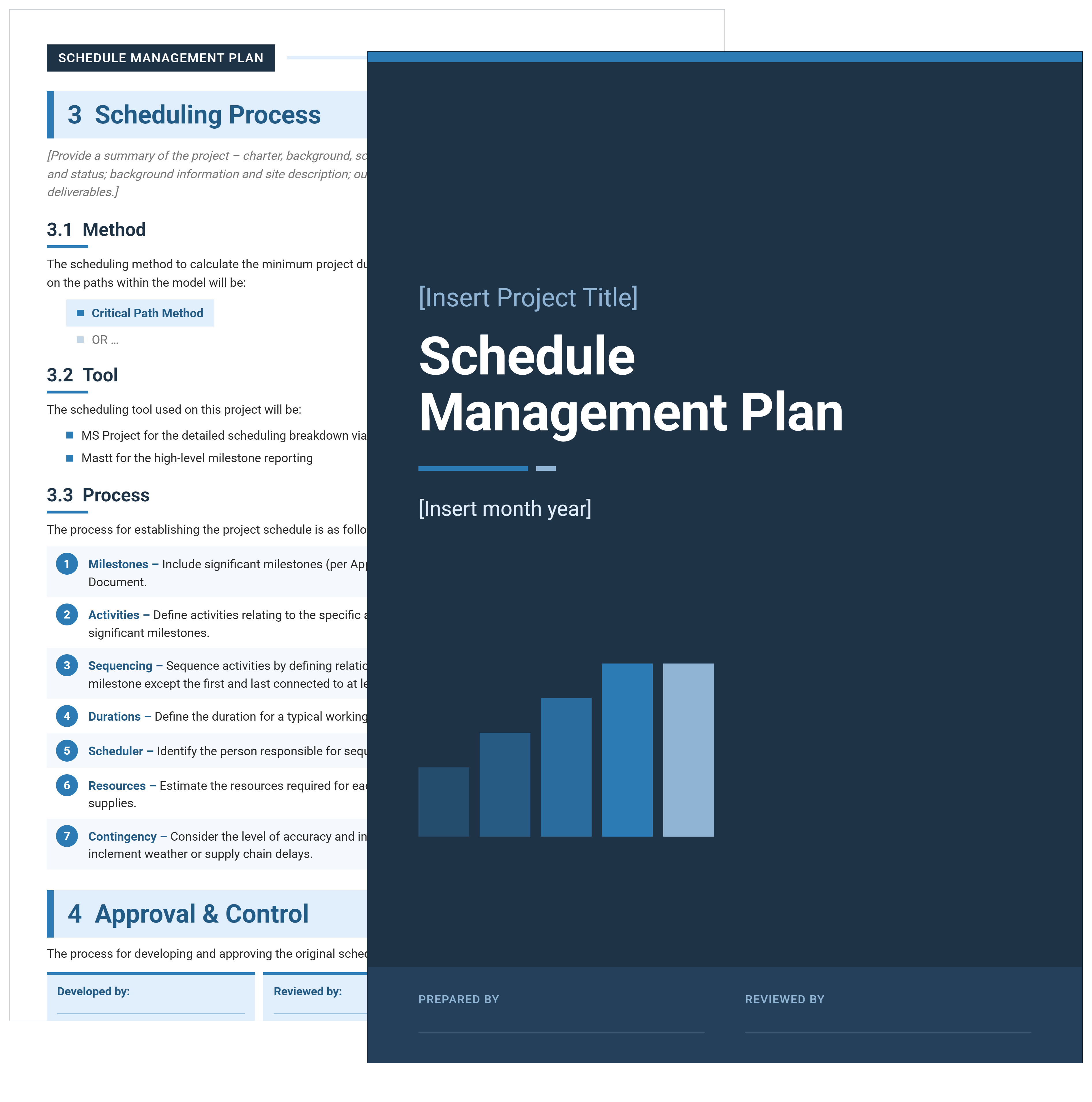

What is a Schedule Management Plan?
A schedule management plan, often shortened to SMP, is the document that sets out how a project's schedule will be developed, approved, monitored and changed. It records the scheduling method, the tool being used, who approves the baseline, what variance triggers action, and how progress gets reported.
An SMP is a governance document rather than a timetable. The plan states that the project will use the critical path method in MS Project, that the project manager updates it weekly, and that a slip beyond a stated threshold requires a change request. The dates themselves live in the schedule, and the plan is what stops that schedule being rebaselined quietly whenever it becomes inconvenient.
What's Included in a Schedule Management Plan
Three fields carry most of the weight. The named scheduler matters because sequencing and dependencies are a specific job, not a shared one.
The tool split matters because detailed scheduling and executive reporting rarely belong in the same software. And the variance thresholds are what turn the plan from description into control.
Schedule Management Plan Example
Here's a schedule management plan example from the template, showing how the scheduling method, tools and process are set out.
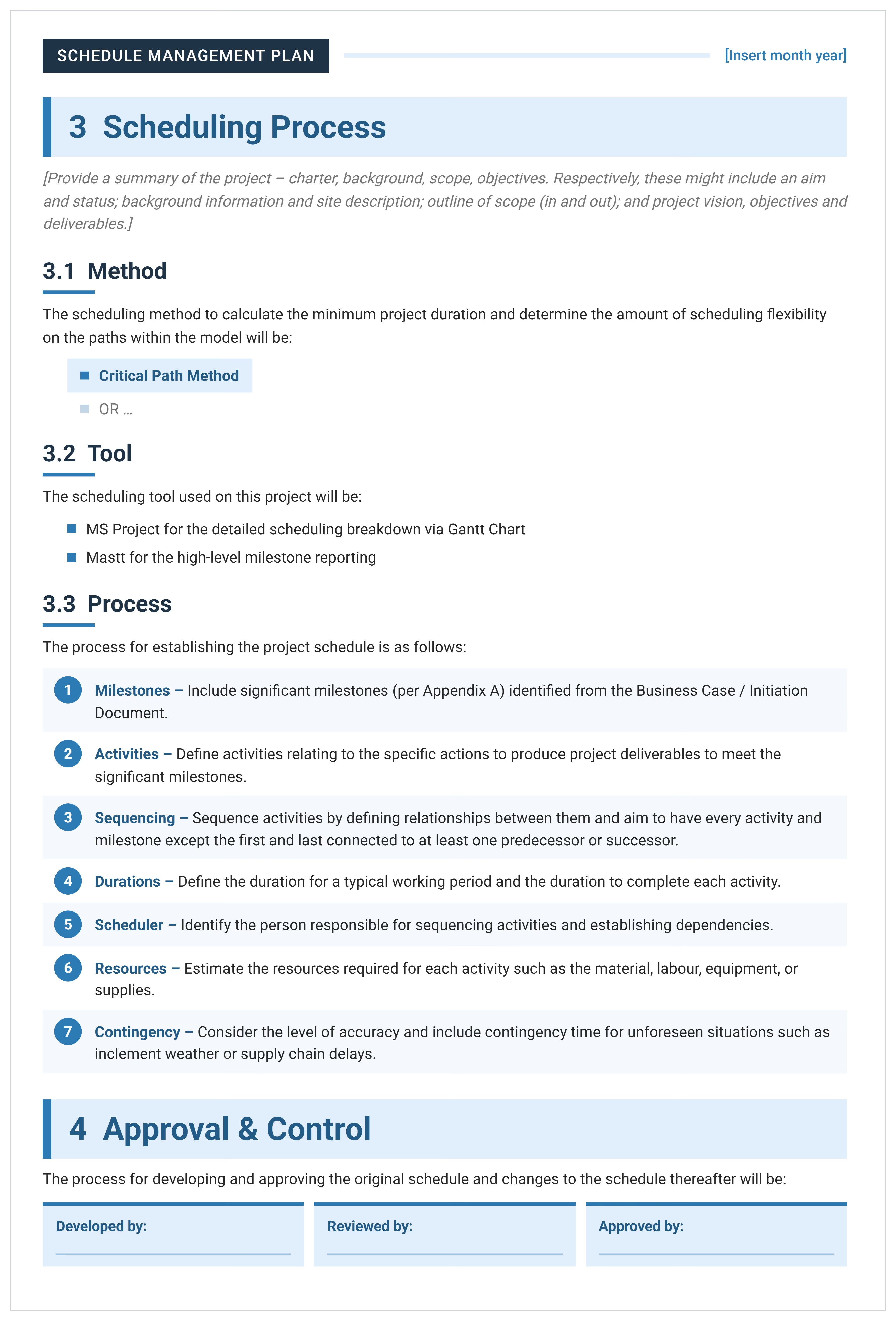
Two entries decide how the rest of the plan behaves. The method is named as critical path, which fixes how float is calculated and what a delay actually means. The tools are split deliberately: MS Project holds the detailed Gantt, while high-level milestone reporting sits elsewhere, because a board does not read a thousand-line schedule.
How to Write a Schedule Management Plan
Settle the method, the tool and the approval path first. Everything after those three is detail, and none of it can be written until they are fixed.
Complete Document Control before circulating a draft, since a plan with no version number and no named approver carries no authority.
- Fill in Document Control with the version history, the distribution list, and the prepared and reviewed signature blocks.
- State the purpose of the plan and confirm it sits alongside existing organizational policy rather than replacing it.
- Name the scheduling method, which for most capital projects is the critical path method.
- Name the tools and say what each one holds, separating the detailed Gantt from high-level milestone reporting.
- Work through the seven process steps: milestones, activities, sequencing, durations, the named scheduler, resources and contingency.
- Set the approval path, naming who develops the schedule, who reviews it and who approves both it and any later change.
- Set the variance thresholds for warning, corrective action and change request.
- Define the reporting cadence, including how often the schedule is updated and what happens when a milestone slips from baseline.
- Complete the constraints, assumptions, issues and risks sections, then attach the milestone list and the baseline as appendices.
Update the plan when material change occurs rather than on a calendar. A plan revised because the business case moved is doing its job. One revised annually because a reminder fired is not.
Schedule Management Plan vs Project Schedule: What's the Difference?
A schedule management plan describes how scheduling will be done. A project schedule is the scheduling itself.
They are produced by the same person and read by different audiences. A project board reads the plan to understand the controls. A delivery team works from the schedule.
If you need the timeline itself rather than the rules governing it, use the project schedule template. For a broader view of methods and techniques, project scheduling covers the ground behind both documents.
Setting Schedule Variance Thresholds
Variance thresholds are the three numbers that decide what happens when a project slips. The template asks for one that triggers a warning, one that triggers corrective action, and one that requires a formal change request.
Most plans leave these blank, which is the same as having no controls at all. Without a stated threshold, every slip becomes a judgement call made under pressure by whoever noticed it, and the schedule quietly rebaselines instead of being formally changed.
Set them as a number of days, a percentage of remaining duration, or both. The specific figures matter less than three things: that they are written down before delivery starts, that each one names a different response, and that the third genuinely routes to a change request rather than a conversation.
The thresholds are measured against the schedule baseline in Appendix B, which is why the baseline has to be approved and then left alone. Slip is meaningless once the original commitment has been overwritten.
Thresholds only work if somebody sees the slip, which is why the monitoring usually sits in construction project scheduling software rather than in the plan that defines them.
Related Articles and Templates
Explore these resources for project scheduling, critical paths, timelines, and schedule control:
- Construction Schedule Template
- Project Timeline Template
- Critical Path Template
- Gantt Chart Template
- Construction Scheduling 101: How to Keep Your Projects on Track
- Project Schedule Control Tips to Improve Project Timelines
- What is a Master Schedule in Construction?
- What Is an Integrated Master Schedule & How to Develop One
- Free Float vs Total Float Explained: A Simple Guide for Beginners

Written by
Jackson Row
Jackson Row is the Growth & North American Market Lead at Mastt. With a background in risk modeling, cost forecasting, and integrated project delivery, he helps capital project owners work smarter and faster. Jackson’s work supports better tools, better data, and better outcomes across the construction industry.

Free schedule management plan template in Word. Define how the schedule gets built, baselined, monitored, and changed before delivery starts.

Top Performers Don’t Guess. They Deliver.
Cut the stress of showing up unprepared
Start for FreeTrusted by the bold, the brave, and the brilliant to deliver the future