Trusted By Leading Owners and Their Teams

A logo with black text that says "Australian Department of Defence"
Jacobs company logo with stylized 'JACOBS' text in bold black letters on white background.
The Projects Group logo with blue and orange squares beside the text.
The word Tango in bold orange letters with a stylized lowercase g.
A logo of RPS.
Wellington Water logo with stylized W and water droplet in blue and teal colors.
Logo with a blue cross and heart symbol next to text St Vincent's Health Australia.
Superyacht Project Management logo with a circular symbol above the text.
Summertown Interiors logo with a stylized white tree on a red square and text on gray background.
SOILCO logo with stylized dark and green shapes forming an S above bold text
Black and white diagram of a traditional crossbow with labeled parts and descriptions.
Octopus Energy Generation logo with octopus and energy words in dark and green text.
Waterfall with wide streams flowing down rocky cliffs surrounded by green hills and trees.
Exagen company logo with purple letters and a teal accent on the letter X.
The Australian Army emblem with crown and sunburst above the word Army in red text.
Super Retail Group text logo with three slanted bars in orange, blue, and red on the right.
HOLT Group logo with stylized vertical bars and bold letters.
Newcastle Airport logo with colorful star-shaped graphic and text.
Text logo with PAULSON above PUERTO RICO, separated by horizontal lines.
Cheo in bold rounded purple letters on a transparent background.
Retire Australia company logo with blue diamond icon next to gray text.
Logo with maroon double arrow curving right above lowercase 'cfb' and text Carrollton-Farmers Branch ISD.
COHA Group logo with stylized 'A' and horizontal line beneath.
Airport Retail Group
A logo with black text that says "Australian Department of Defence"
Jacobs company logo with stylized 'JACOBS' text in bold black letters on white background.
The Projects Group logo with blue and orange squares beside the text.
The word Tango in bold orange letters with a stylized lowercase g.
A logo of RPS.
Wellington Water logo with stylized W and water droplet in blue and teal colors.
Logo with a blue cross and heart symbol next to text St Vincent's Health Australia.
Superyacht Project Management logo with a circular symbol above the text.
Summertown Interiors logo with a stylized white tree on a red square and text on gray background.
SOILCO logo with stylized dark and green shapes forming an S above bold text
Black and white diagram of a traditional crossbow with labeled parts and descriptions.
Octopus Energy Generation logo with octopus and energy words in dark and green text.
Waterfall with wide streams flowing down rocky cliffs surrounded by green hills and trees.
Exagen company logo with purple letters and a teal accent on the letter X.
The Australian Army emblem with crown and sunburst above the word Army in red text.
Super Retail Group text logo with three slanted bars in orange, blue, and red on the right.
HOLT Group logo with stylized vertical bars and bold letters.
Newcastle Airport logo with colorful star-shaped graphic and text.
Text logo with PAULSON above PUERTO RICO, separated by horizontal lines.
Cheo in bold rounded purple letters on a transparent background.
Retire Australia company logo with blue diamond icon next to gray text.
Logo with maroon double arrow curving right above lowercase 'cfb' and text Carrollton-Farmers Branch ISD.
COHA Group logo with stylized 'A' and horizontal line beneath.
Airport Retail Group

Control the details. See the bigger picture.

Connect day-to-day project controls with the information your stakeholders need. From individual contracts to your entire capital program, keep the detail and the bigger picture together.

Agent

Introducing Agent, the AI workforce multiplier

Agent gives every construction project team member a personal AI teammate that can take on admin, reporting, document review, and data work — helping one person deliver the output of many.

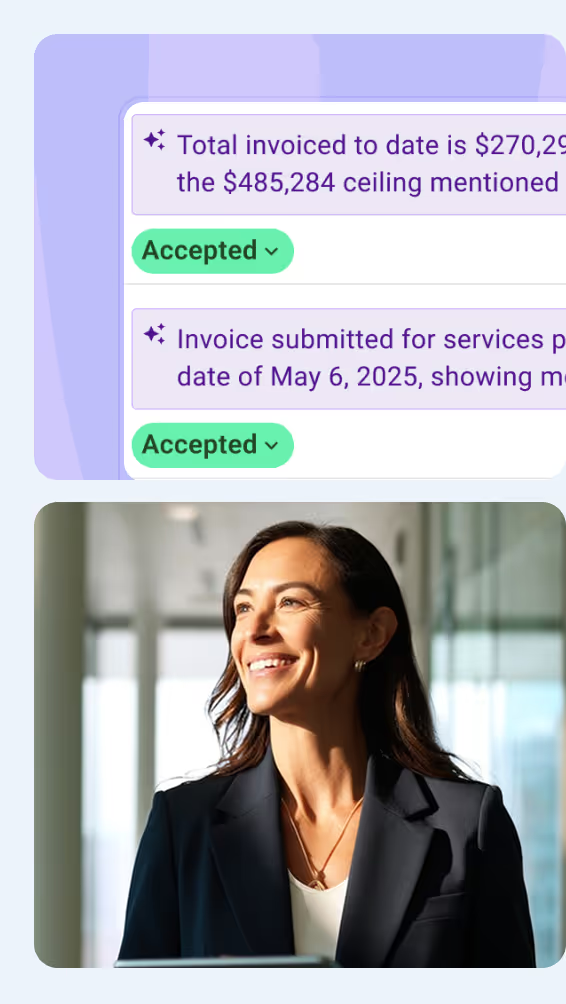
Mastt AI chat interface with role selector for project and program teams automating contract and payment workflows.
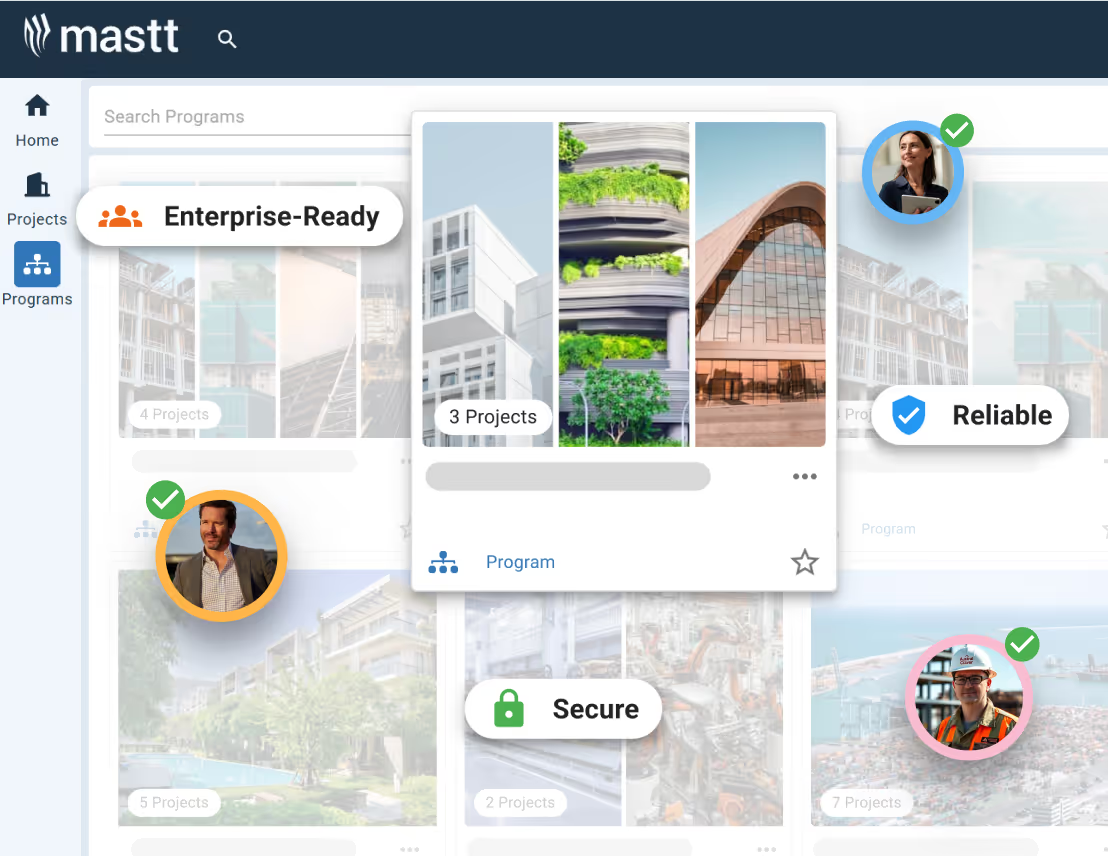
Mastt capital project dashboard showing program cards with enterprise-ready, reliable and secure labels.

Know where your budget stands in real-time

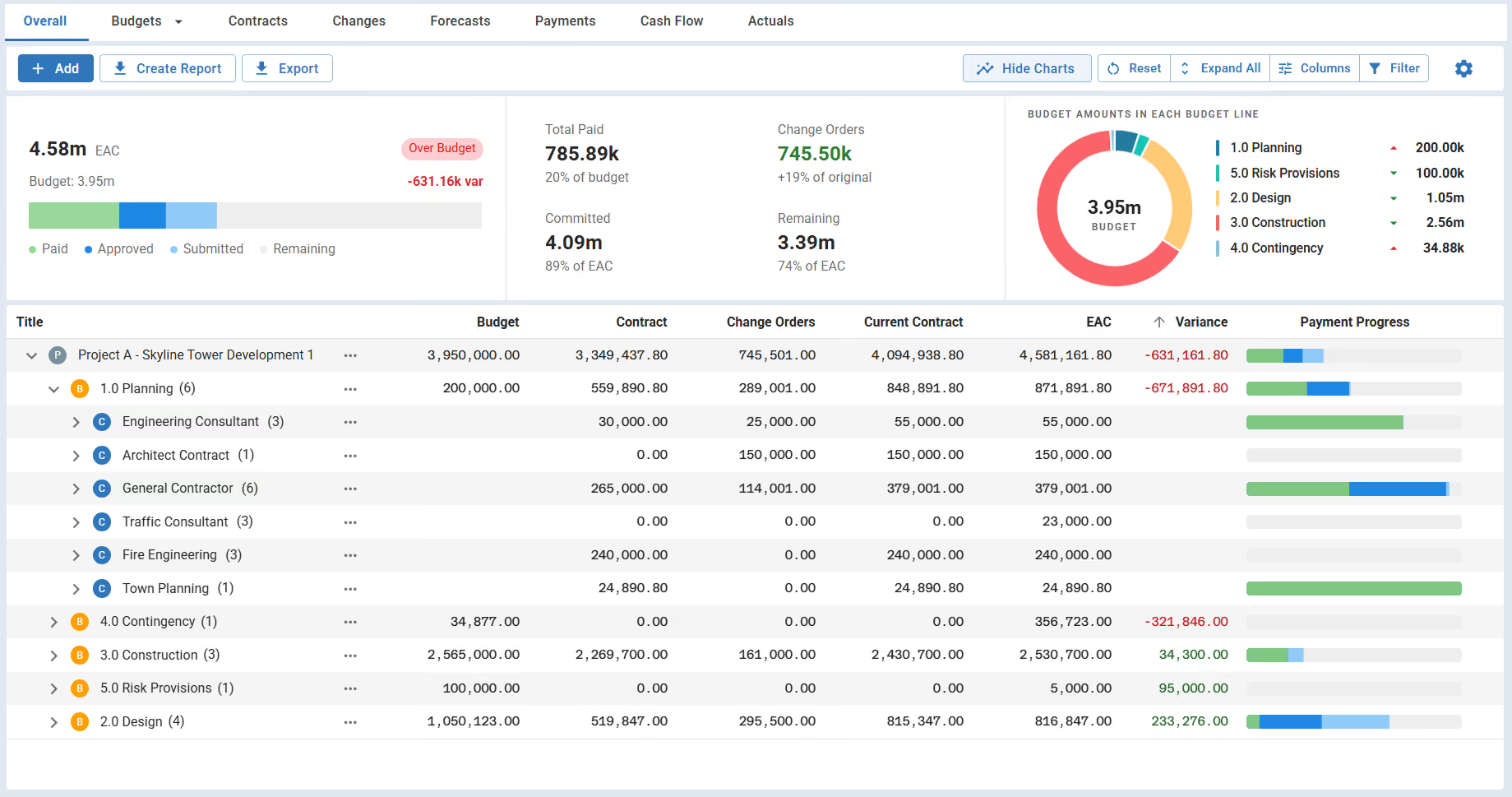
See budgets, committed costs, payments and forecast final costs together. Understand what has changed, what remains to be spent and where your project needs attention.

Spend less time building reports

Turn project information into clear, shareable dashboards. Give clients, executives and project teams the views they need, with reports that update as your team updates the project.

Capital program dashboard consolidating project budgets, payment progress, risk health and map locations.
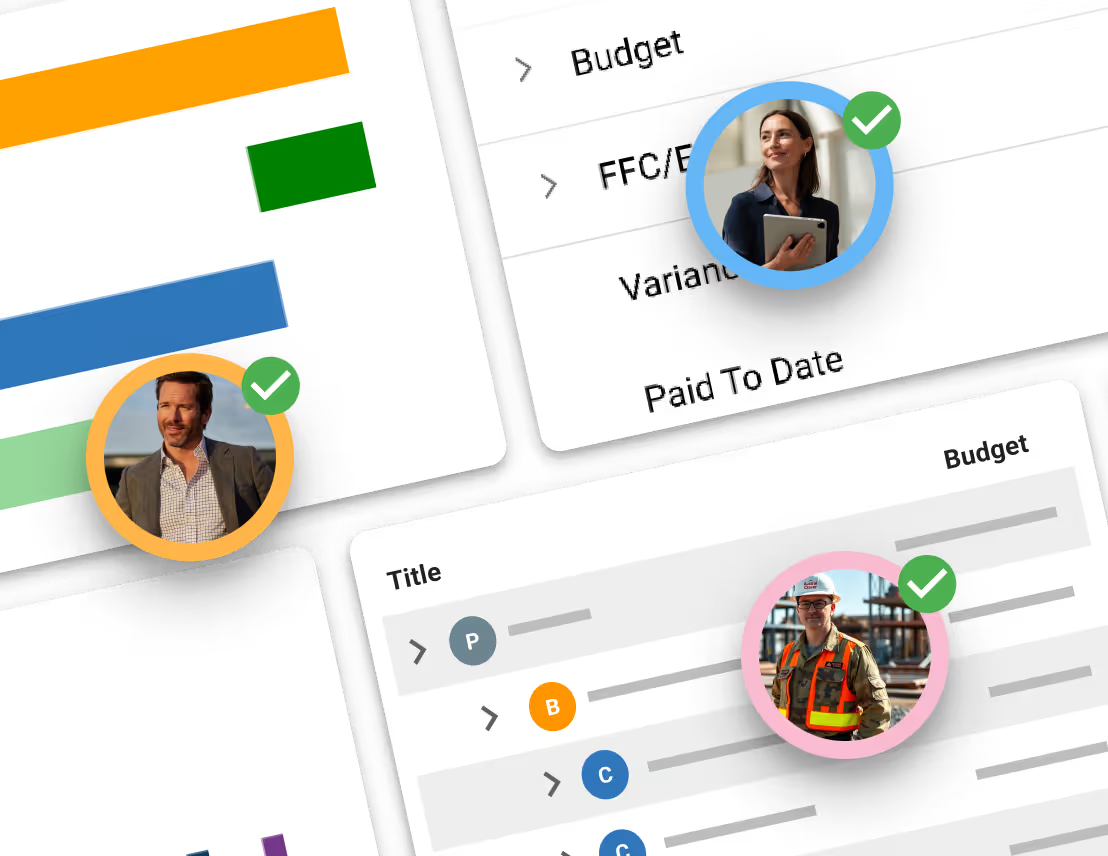
Project controls dashboard showing budget metrics, cost variance table and approved team profiles.

See every project in context for better decision making

Bring project budgets, risks and progress into a consolidated program view for better decision making. Compare performance, identify where attention is needed and move into the detail behind the numbers.

Built for the owner’s side of construction

Discover more of Mastt

Mastt puts every critical function at your fingertips: real-time dashboards, automated project controls, seamless collaboration, and trusted AI that works behind the scenes.

AGENT

AI Agent for Construction

A simple white robot head icon with two eyes and an antenna on a dark background.

Agent

Multiply your people with AI Agents. Helps one person produce the output of many.

Minimalist white icon of three vertical lines and a diagonal line resembling a stylized book.

Knowledge

AI that knows your company’s templates, procedures and lessons learned.

Three white rounded rectangles arranged in a grid on a dark blue background.

Templates

Upload the templates you already use, and your AI Agent drafts on-brand, every time.

Two interlinked chain links forming a diagonal connection on a dark gray background.

Workflow

Set up a process once, and let Agent run it every time.

Learn More
User interface showing approval queue with tasks and a completion popup with logged updates and draft reply.
Project

Take control of your project from start to finish & work with AI

Project Dashboard

Keep track of projects with live, interactive reports 24/7. See rich, powerful visualizations.

Project Controls

Unify cost, risk, schedule, and reporting in a simple construction project controls system.

Team Collaboration & Sharing

Easily invite team members and share project data in real time.

Work With Trusted AI

Automate repetitive tasks with Mastt’s AI data entry and template tools.

Learn More
Collage of business and construction project management interfaces with profile photos of a man in a suit, a woman holding a tablet, and a construction worker wearing a hard hat and safety vest, each marked with a green checkmark.
Program

Unlock program visibility, control and results

Program Dashboard

Mastt brings every project in your program into one clear, connected view.

Program Controls

Roll up cost, risk, schedule, and reporting from every project into one unified, real-time view.

Data Confidence

Consistency across every project. Secure, centralized data, full audit trails, and real-time decision-making.

AI That Scales Across Your Portfolio

Mastt’s trusted AI eliminates the admin and manual standardization that slow your team down.

Learn More
User interface displaying multiple project cards with images of buildings and construction, showing project counts and team member icons with check marks.
Dashboard

Turn project chaos into clarity with real-time dashboards

Project Dashboard

Keep track of projects with live, interactive reports 24/7

Report Templates

Fast & automated reports from project status to project portfolio reports

Powerful Visualizations

Capital project charts, maps, visualizations and other components out of the box!

Report Storage

Snapshot & store entire projects or reports for record keeping & compliance

Learn More
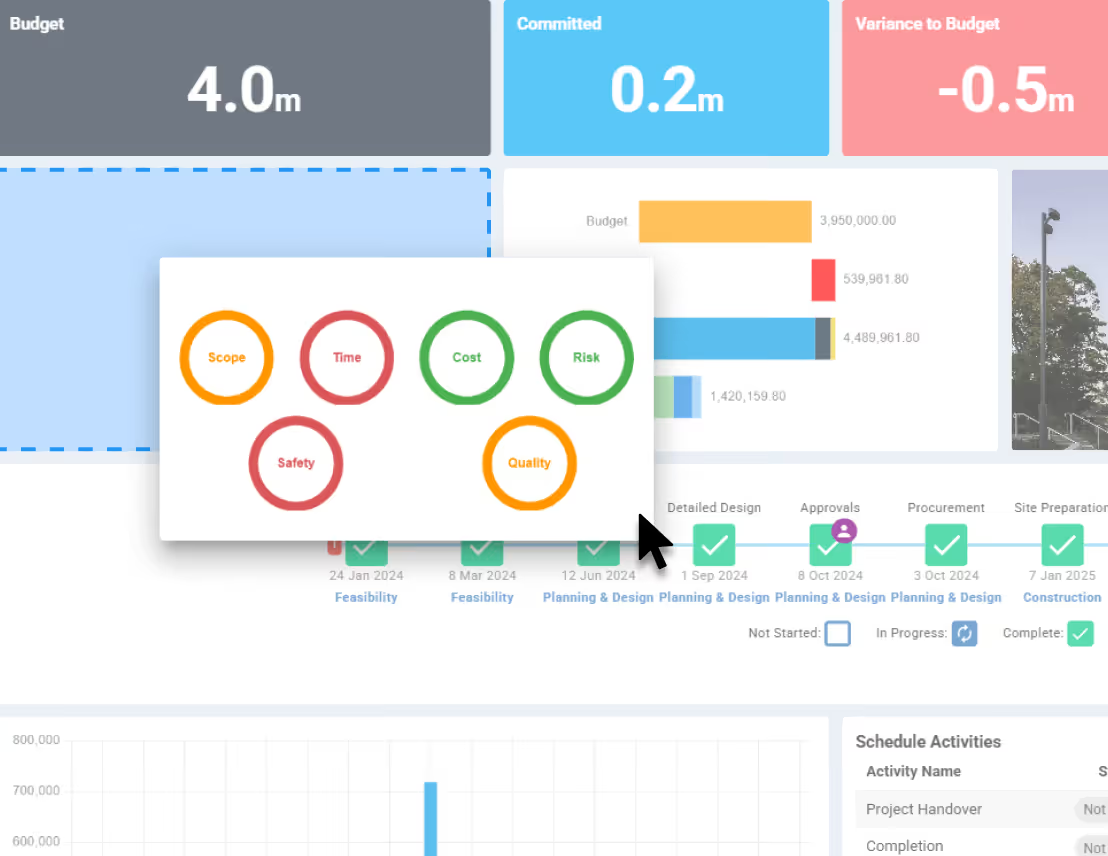
Dashboard interface showing Budget and Committed metrics, a dropdown menu with options to Download PDF or Share Dashboard highlighted with a cursor, and key performance indicators for Scope, Time, Cost, Risk, Safety, and Quality.
Cost

Project cost management software for total control

Project Budgeting

Digital ledgers and smart forms for financial precision

Variance Analysis

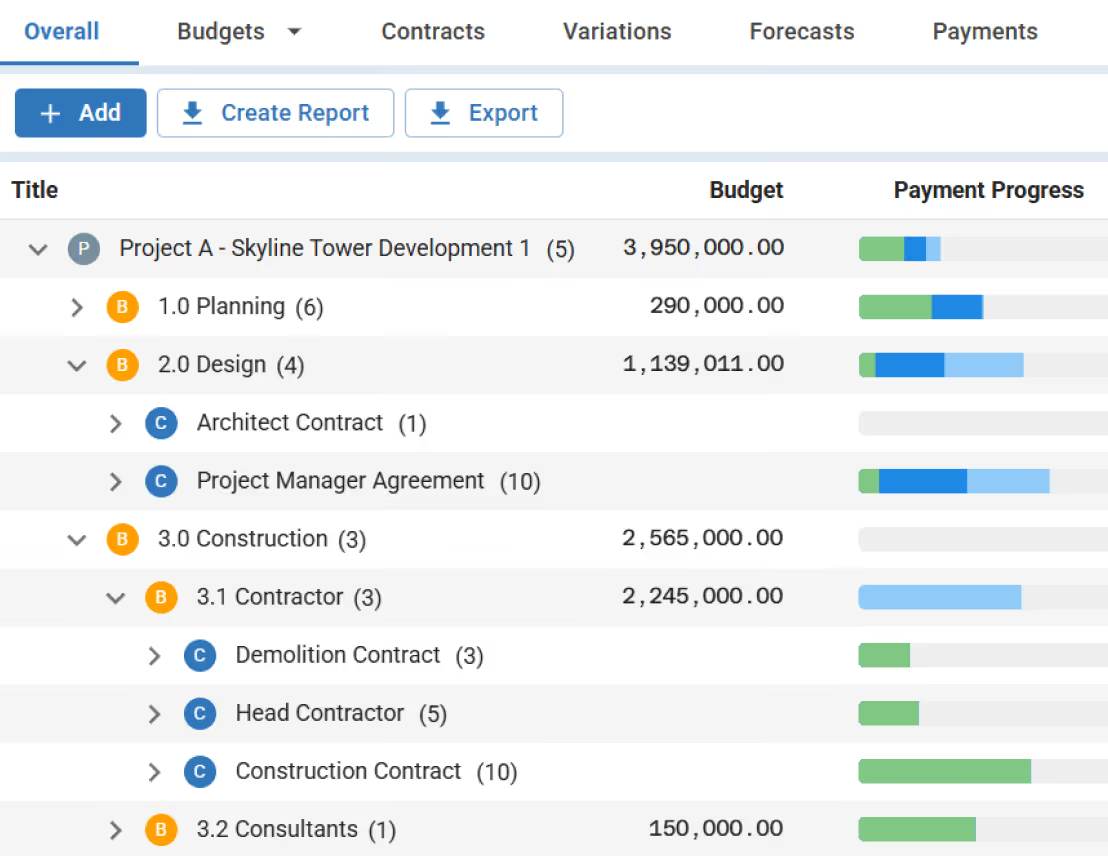
Track costs back to budgets and see unders/overs

Commitments

Centralize all contracts & payments back to budgets

Cash Flow & Forecasting

Report on cash flow actuals, forecasts, and baselines

Learn More
Finance dashboard showing Budget vs Actual chart with colored bars for Budget, Variance, Forecast Final Cost, and Payment Progress, and a Finance Bar Chart by Project with purple and green bars.
Schedule

Know what’s happening, what’s next, and what’s at risk

Complete Visibility

Manage the complete project lifecycle across your portfolio

Key Milestones

Tracks your project through key milestones

Track Phases & Stages

Manage projects through clear phases, stages and gates

Health Reporting

Measure performance of a portfolio of projects

Learn More
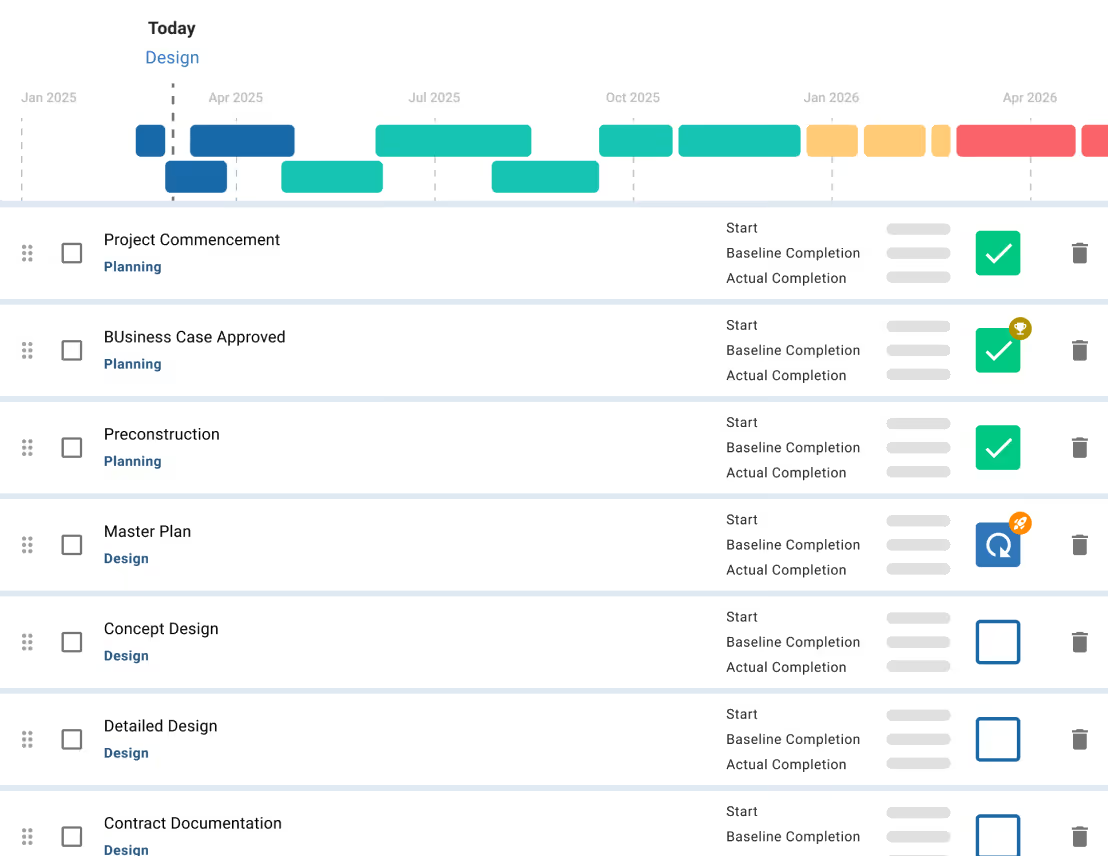
Project schedule interface showing task progress with green checkmarks, colored bars, and icons, overlaid with Oracle P6 and Microsoft Project logos.
Risk

Risk management made easy

Best Practice

Risk Management process made simple and configured to your likelihood & impact ratings

Impacts & Treatments

Streamline Risk Analysis on your 5x5 or 4x4 Risk Matrix and identify Treatments

Report & Workshop

Visualize Risks for fast, easy reporting and workshopping. Generate a Risk Register

Project or Program

Maintain Risk Registers at a Project or Program / Portfolio level

Learn More
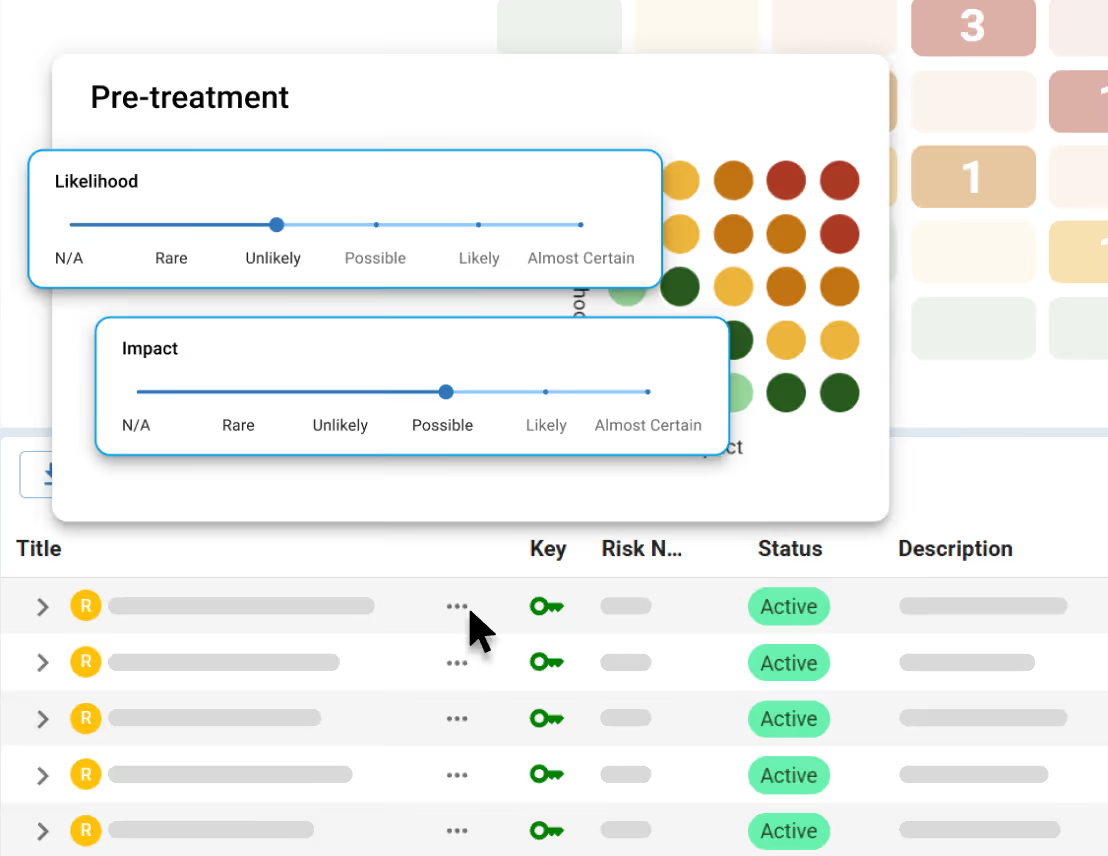
Project risk matrix for Pre-Treatment showing likelihood versus impact with colored risk levels and a table listing three risks with post-ratings labeled Low, Very Low, and Medium.
Document Management

Everything you need for document management

One central hub

Store every contract, report and project file in one secure place.

Organized project folders

Structure every project with clear, consistent folders your whole team can navigate.

AI Chat with your files

Ask questions in plain English and get answers from your documents instantly.

Linked to finances

See every document tied back to its source in your project - contract, payments, changes and more.

Learn More
Document list with folders and files showing AI Ready status, classifications, and menu options including Ask AI.

Take control of your next project