AI Project Assistant

Your AI Project Assistant For Construction Project Managers

Meet the construction expert that never sleeps. Get instant answers, create professional documents, and solve project challenges with your personal assistant powered by advanced AI technology.

Hi Doug, what can I help with today?

Mastt AI chatbox interface to ask questions, generate templates, and help manage projects efficiently

Delivering AI Power to The world's best in Construction project management

A logo with black text that says "Australian Department of Defence"
A logo of RPS.
Monash University logo featuring a shield with an open book, laurel wreath, stars, and motto banner.
Tomahawk Property logo featuring a stylized outline of a building next to the company name.
Orange text logo reading 'Tango' with a unique design where the 'g' merges into a square shape.
Super Retail Group logo with stylized orange, blue, and red diagonal stripes.
Logo of the company MostynCopper with black text and a blue underline beneath.
RCP logo with red diamond-shaped graphic and the tagline Leadership in Project Management.
Logo for Signature Project Management with stylized 'S' inside a rectangular border and bold text.
SOILCO logo with stylized S shape in dark and green rectangle.
Logo of GenUrban Projects Co with stylized U featuring a circular lined design.
Logo for Grid Construction featuring a geometric icon with black and red segments beside bold text 'GRID CONSTRUCTION'.
Cohere Project Management logo with a stylized asterisk symbol to the left.
Summertown Interiors logo featuring a stylized tree with three circular leaves in a red square next to a gray rectangle with the word interiors.
A logo with black text that says "Australian Department of Defence"
A logo of RPS.
Monash University logo featuring a shield with an open book, laurel wreath, stars, and motto banner.
Tomahawk Property logo featuring a stylized outline of a building next to the company name.
Orange text logo reading 'Tango' with a unique design where the 'g' merges into a square shape.
Super Retail Group logo with stylized orange, blue, and red diagonal stripes.
Logo of the company MostynCopper with black text and a blue underline beneath.
RCP logo with red diamond-shaped graphic and the tagline Leadership in Project Management.
Logo for Signature Project Management with stylized 'S' inside a rectangular border and bold text.
SOILCO logo with stylized S shape in dark and green rectangle.
Logo of GenUrban Projects Co with stylized U featuring a circular lined design.
Logo for Grid Construction featuring a geometric icon with black and red segments beside bold text 'GRID CONSTRUCTION'.
Cohere Project Management logo with a stylized asterisk symbol to the left.
Summertown Interiors logo featuring a stylized tree with three circular leaves in a red square next to a gray rectangle with the word interiors.

Your Personal Assistant for Construction Excellence

Stop working from scratch or searching for answers. Your AI assistant delivers expert construction knowledge instantly, handles complex tasks, and creates professional work, transforming daily tasks into effortless workflows.

Conversational AI That Knows Construction Inside Out

Experience artificial intelligence designed for construction professionals. Your AI assistant understands industry language, compliance requirements, and project complexities.

Ask any question, discuss scenarios, or get personalized recommendations - this generative AI model learns from every interaction to provide relevant information tailored to your specific construction challenges and workflow needs.

See How it Works >

Executive Dashboard for Capital Improvement Programs

Transform Routine Tasks, Run Scenarios Before Problems Hit

Let your virtual assistant handle repetitive tasks and administrative work that drain your time. From creating professional letters to preparing compliance documents, your AI writing assistant understands construction standards and generates polished work instantly.

Focus on building while your personal assistant manages the everyday tasks that slow down project progress.

Experience AI Power >

Upload Documents for Context-Aware Intelligence

Give your AI assistant complete project context by uploading contracts, plans, and specifications. Now every interaction becomes more valuable as your virtual assistant provides document-specific insights and guidance.

Whether reviewing compliance requirements or extracting key project details, your assistant delivers relevant information precisely when you need it most.

Explore Use Case >

Executive Dashboard for Capital Improvement Programs

Experience Mastt AI Risk-Free

Upload your first document and see instant AI-powered insights. Join construction professionals who've already discovered smarter project management.

Start for Free
Project manager using Mastt AI project assistant on tablet to monitor budget, schedule, and performance on-site

Perfect for Construction Leaders Who Value Smart Efficiency

See what project managers and construction executives are saying about Al transformation.

It instantly takes workload off of people's plates. It's an easy buy. You know, it's something that you can put some reliability on.

— School District Program Manager

I'm thrilled to get the automated entry features. Really helps the team streamline that process which is great.

— Hospital Project Manager

This is a great timing. We're realizing it's time to make sure we are not getting surpassed by the competition or maybe even jumping to stay ahead.

— Construction Executive

The Al Advantage

Construction teams using Al are already seeing dramatic improvements

90%
Time Savings on Data Entry
100%
Accuracy with Human Verification
60sec
Process 100+ Page Documents
Zero
Missed Compliance Requirements

Built for Construction's Trust Standards

We understand that accuracy isn't optional in construction. Our Al is designed with the verification and control you need.

See the Work

No more questioning if the Al made it up. Compare every extraction to exactly where it came from in the source document.

You Stay in Control

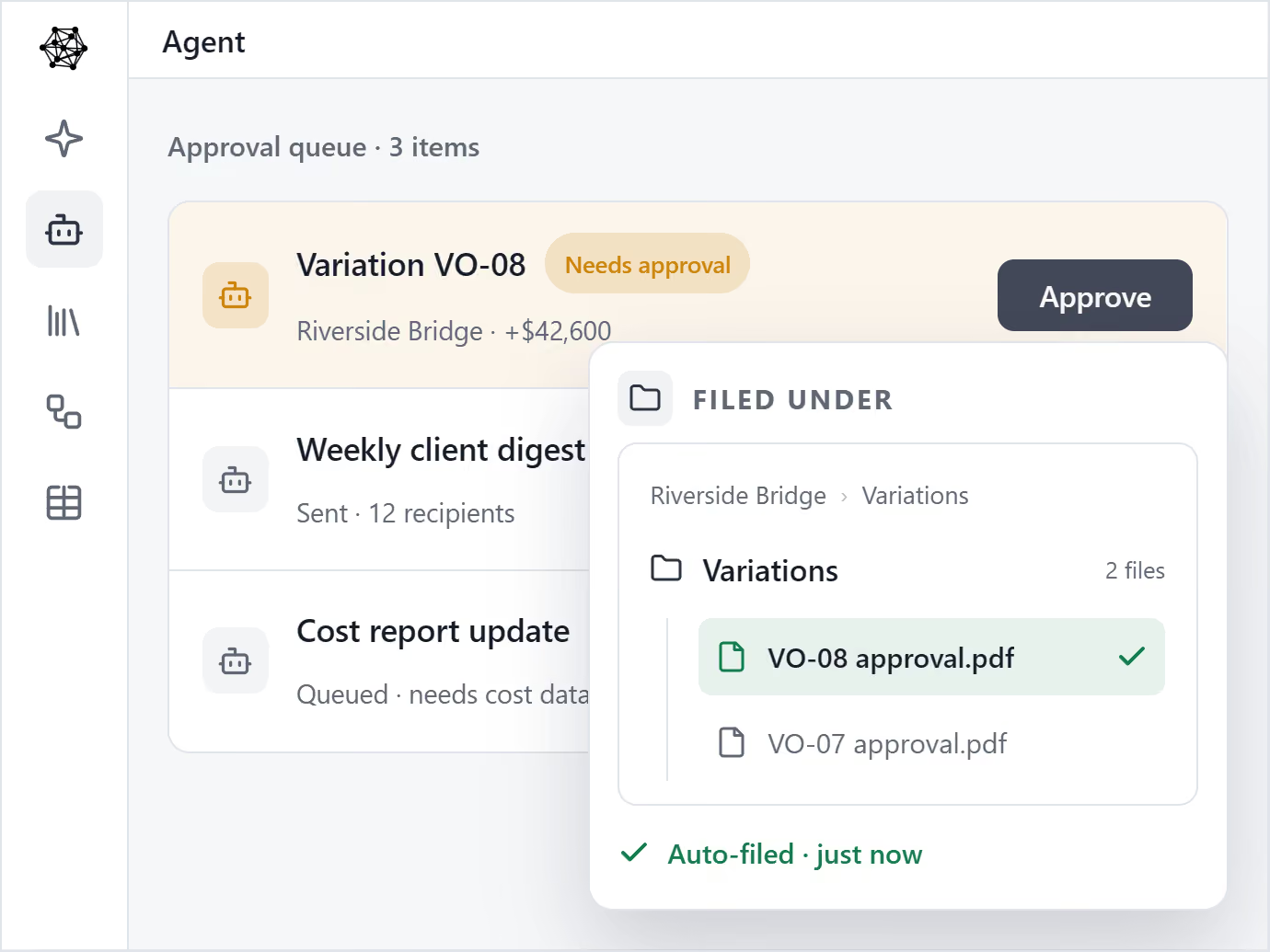
Nothing reaches your clients without your approval. You control what gets saved and prevent embarrassing mistakes.

Transparent Process

Clear confidence indicators show what needs your attention. You'll know exactly when something requires verification.

AI Integrated With Construction Project Management

Discover how AI integrated with our modules work together work faster, smarter and with 10x more impact.

Project

Take control of your project from start to finish & work with AI

Project Dashboard

Keep track of projects with live, interactive reports 24/7. See rich, powerful visualizations.

Project Controls

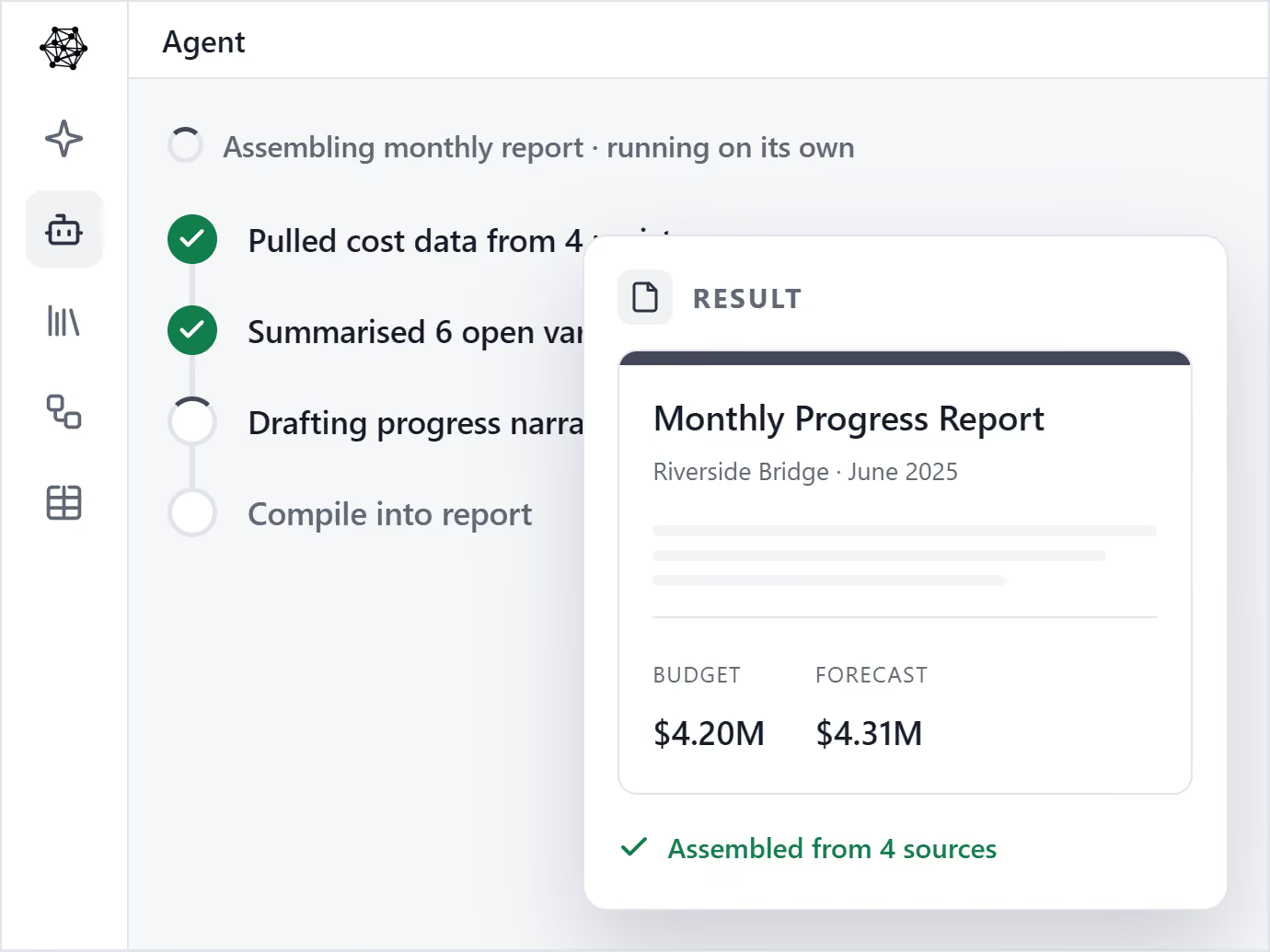
Unify cost, risk, schedule, and reporting in a simple construction project controls system.

Team Collaboration & Sharing

Easily invite team members and share project data in real time.

Work With Trusted AI

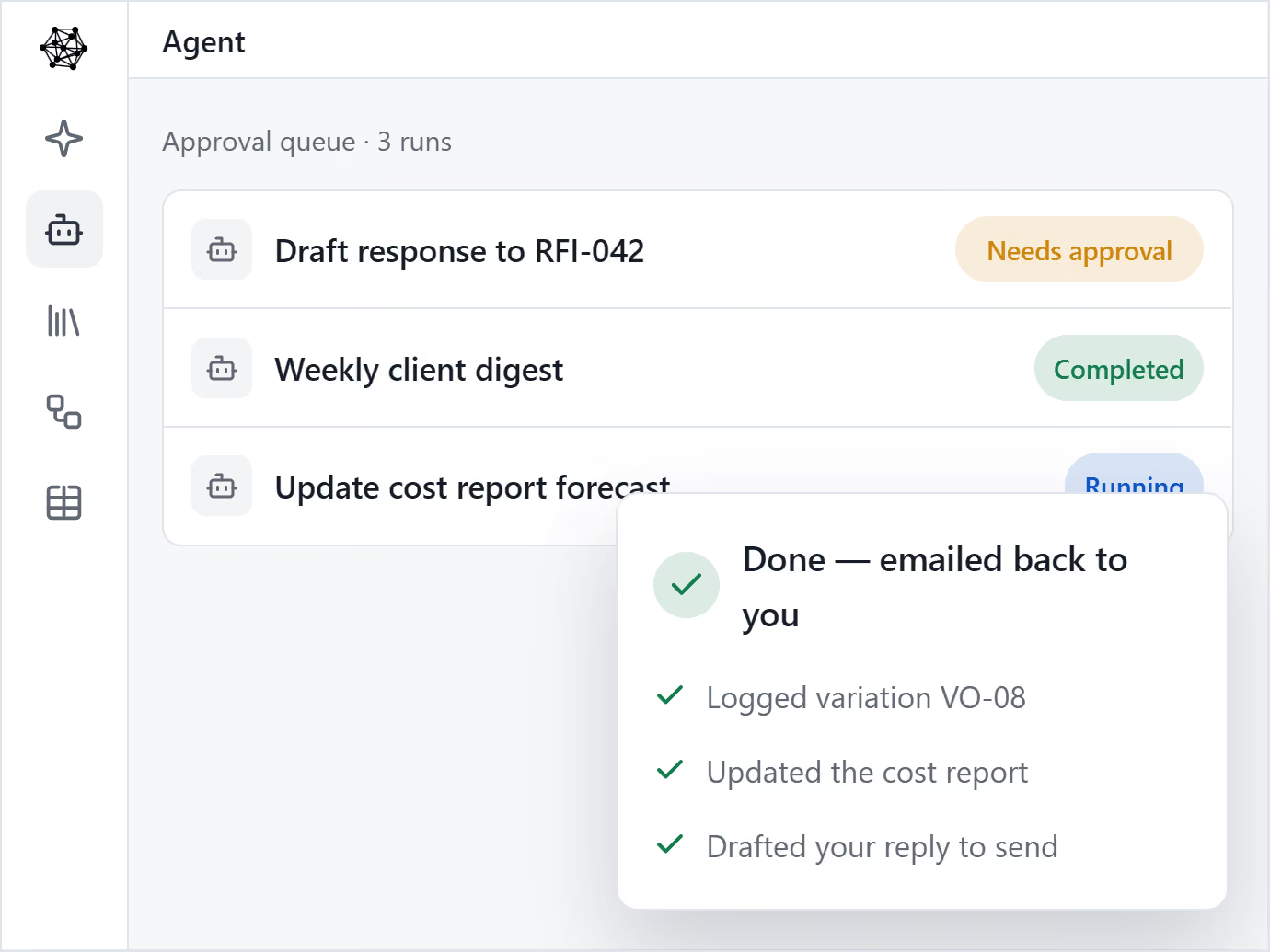
Automate repetitive tasks with Mastt’s AI data entry and template tools.

Learn More
Collage of business and construction project management interfaces with profile photos of a man in a suit, a woman holding a tablet, and a construction worker wearing a hard hat and safety vest, each marked with a green checkmark.
Program

Unlock program visibility, control and results

Program Dashboard

Mastt brings every project in your program into one clear, connected view.

Program Controls

Roll up cost, risk, schedule, and reporting from every project into one unified, real-time view.

Data Confidence

Consistency across every project. Secure, centralised data, full audit trails, and real-time decision-making.

AI That Scales Across Your Portfolio

Mastt’s trusted AI eliminates the admin and manual standardisation that slow your team down.

Learn More
User interface displaying multiple project cards with images of buildings and construction, showing project counts and team member icons with check marks.
Dashboard

Turn project chaos into clarity with real-time dashboards

Project Dashboard

Keep track of projects with live, interactive reports 24/7

Report Templates

Fast & automated reports from project status to project portfolio reports

Powerful Visualizations

Capital project charts, maps, visualizations and other components out of the box!

Report Storage

Snapshot & store entire projects or reports for record keeping & compliance

Learn More
Dashboard interface showing Budget and Committed metrics, a dropdown menu with options to Download PDF or Share Dashboard highlighted with a cursor, and key performance indicators for Scope, Time, Cost, Risk, Safety, and Quality.
Cost

Project cost management software for total control

Project Budgeting

Digital ledgers and smart forms for financial precision

Variance Analysis

Track costs back to budgets and see unders/overs

Commitments

Centralise all contracts & payments back to budgets

Cash Flow & Forecasting

Report on cash flow actuals, forecasts, and baselines

Learn More
Finance dashboard showing Budget vs Actual chart with colored bars for Budget, Variance, Forecast Final Cost, and Payment Progress, and a Finance Bar Chart by Project with purple and green bars.
Schedule

Know what’s happening, what’s next, and what’s at risk

Complete Visibility

Manage the complete project lifecycle across your portfolio

Key Milestones

Tracks your project through key milestones

Track Phases & Stages

Manage projects through clear phases, stages and gates

Health Reporting

Measure performance of a portfolio of projects

Learn More
Project schedule interface showing task progress with green checkmarks, colored bars, and icons, overlaid with Oracle P6 and Microsoft Project logos.
Risk

Risk management made easy

Best Practice

Risk Management process made simple & configured to your likelihood & impact ratings

Impacts & Treatments

Streamline Risk Analysis on your 5x5 or 4x4 Risk Matrix and identify Treatments

Report & Workshop

Visualize Risks for fast, easy reporting and workshopping. Generate a Risk Register

Project or Program

Maintain Risk Registers at a Project or Program / Portfolio level

Learn More
Project risk matrix for Pre-Treatment showing likelihood versus impact with colored risk levels and a table listing three risks with post-ratings labeled Low, Very Low, and Medium.
AI

AI for project management

AI Project Assistant

Ask questions, draft letters, and get instant guidance on your project.

AI Upload & Autofill

No more manual data entry. Mastt AI pre-fills forms into the cost module automatically.

AI Document Review

Chat directly with your contracts, reports, and drawings. Extract key info instantly, generate insights.

AI Payment Review

AI that scans contracts, payments and invoices. Performs all required checks for approvals.

Learn More
User interface showing a dropdown menu with options Project Manager, Project Owner, Contractor, and Subcontractor under 'Acting as' with a cursor selecting Project Manager, surrounded by profile pictures of diverse professionals.

Frequently Asked Questions

Do I need technical skills to use the AI Assistant?

No. If you can send a text message, you can use it. Type questions in plain English and get answers. No coding, no complex setup, no AI expertise required. It's designed for construction professionals, not tech specialists.

Can I try Mastt's AI before paying?

Yes. Start with the free tier to test AI features with your actual project documents. Upgrade to Professional ($150/month per project) only when you're ready. No credit card required to start.

Why not just use ChatGPT or free AI tools?

Free AI tools don't understand construction documents, lack audit trails, and may use your data for training. Mastt's AI is trained on construction terminology, shows you sources for verification, and keeps your data private. It also integrates directly with your project data.

Can the AI Assistant understand construction terminology?

Yes. It understands RFIs, submittals, change orders, pay applications, committed versus actual costs, and contract language. It's trained specifically on construction project management, not generic business terminology.

How long does it take to start using the AI Assistant?

You can start immediately. Upload a document and ask questions—no training required. The interface works like texting.

Will AI replace my project management team?

No. AI handles repetitive admin work like data entry, searching, and basic drafting. Your team focuses on expert decisions, client relationships, and solving complex problems. It's a tool that makes professionals more effective.

How much does Mastt's AI Assistant cost?

Mastt AI is included in the Professional plan at $150 per project monthly. You can start with a free tier, then upgrade when ready. Plans are month-to-month with no long-term commitment. See full pricing details.

What can an AI project assistant do for construction project managers?

Our AI Assistant answers project questions instantly, reviews contracts for key terms, extracts data from PDFs, drafts professional letters, creates summaries, and runs scenarios for schedule or cost changes. It handles the admin work.

How accurate is the AI Assistant for construction projects?

Mastt's AI is heavily trained on construction project management, but requires human verification for important decisions.

Is my project data secure when using Mastt's AI Assistant?

Yes. Mastt's AI processes your data securely and does not use your documents to train AI models. Your information stays within your environment. Visit our Trust Center for complete security details.

What is an AI assistant?

An AI assistant is software that uses artificial intelligence to understand questions and complete tasks through conversation. It can answer questions, review documents, draft professional content, and automate repetitive work - all through natural language.

Ready to Lead with Al?

Join forward-thinking construction teams already transforming their projects with artificial intelligence.