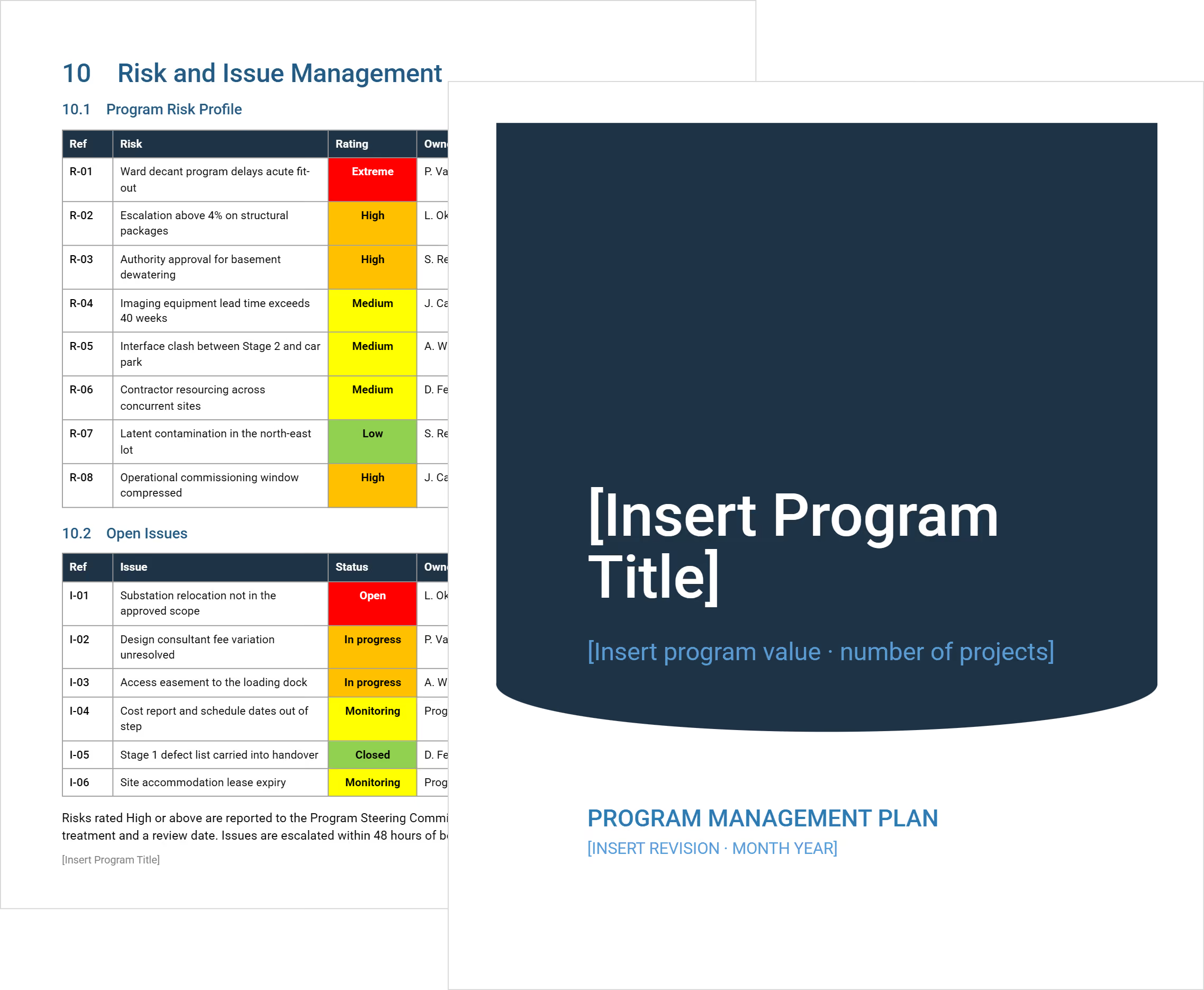
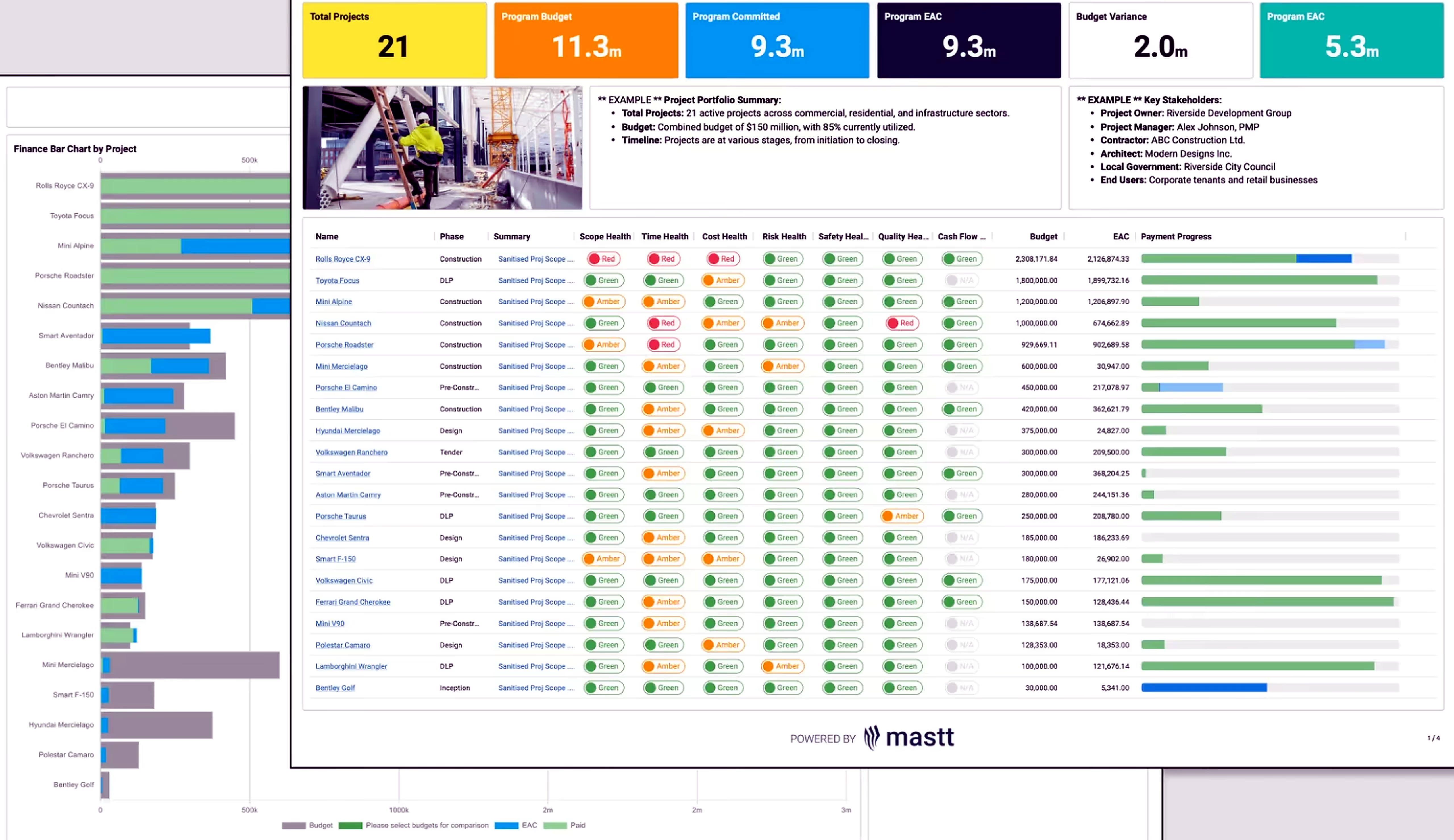
Oversee your construction portfolio without piecing together separate project reports. Mastt brings project costs, schedules, and risks into one program view, so you can assess performance and decide where to act.

























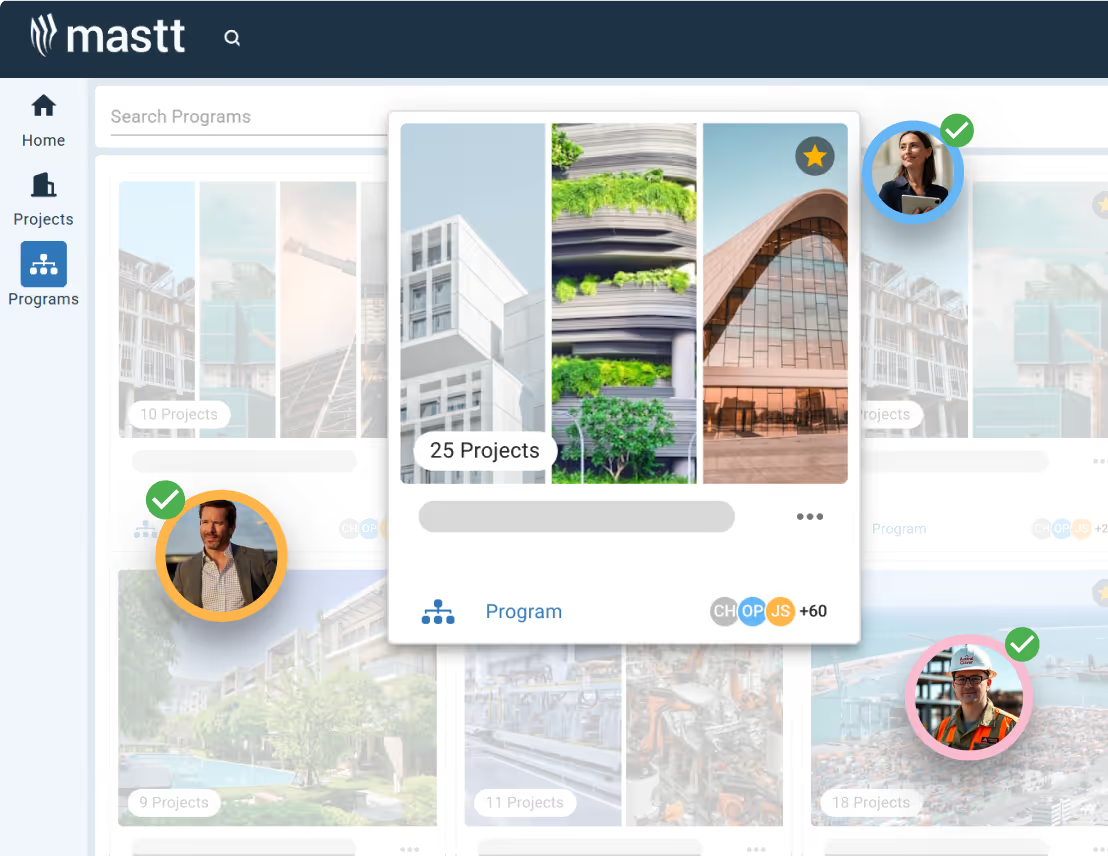
Build programs around a client, region, or group of related projects. Include a project in more than one program, with each view drawing on the same project records.
Compare project health, milestones, and risks across your portfolio to see which projects need a closer look.
Open the project detail to understand the issue before your next review. Give your team the context to decide what action to take.
Explore Program Dashboards

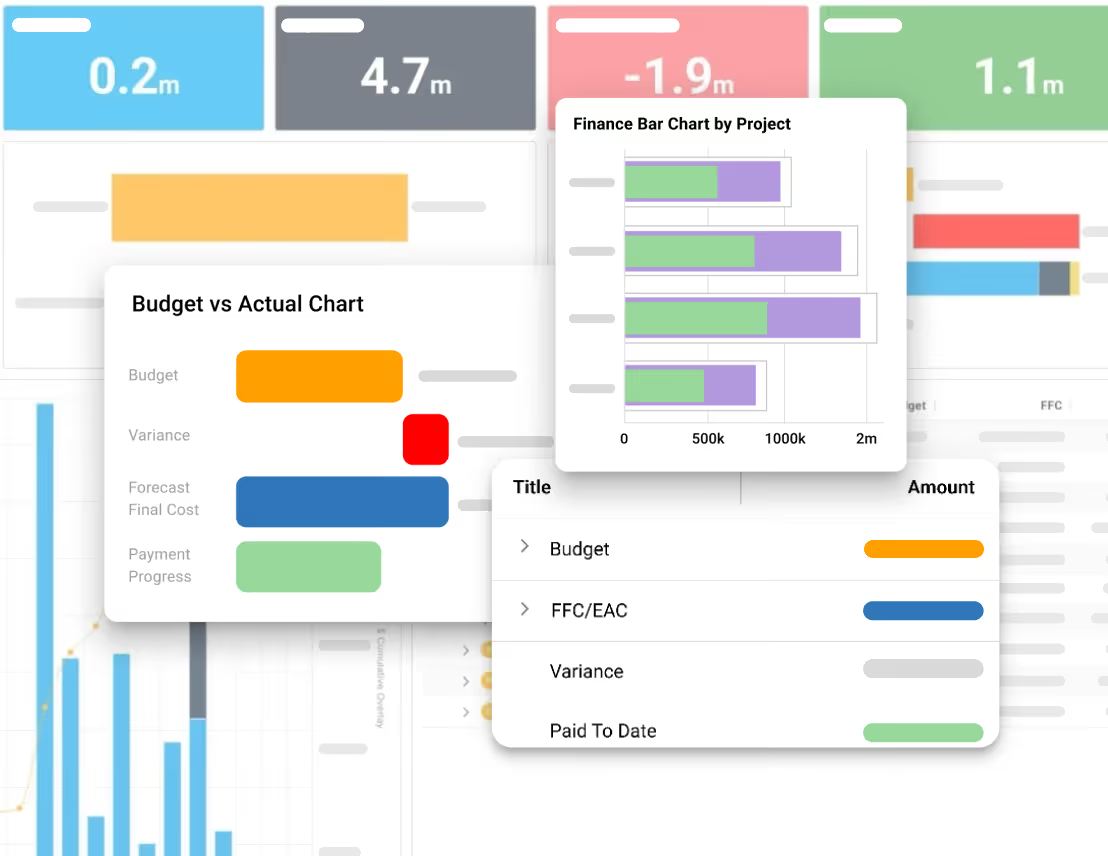
Compare budgets, commitments, actual costs, and forecasts across your program. See how much you expect to spend and how that compares with your budget.
Review each project's forecast variance to identify overruns that the program total may hide. Use the breakdown to question cost assumptions and agree on a response.
Explore Cost Management
Build program reports from project data already in Mastt. Start with a template or use AI to create a new dashboard, then refine the layout.
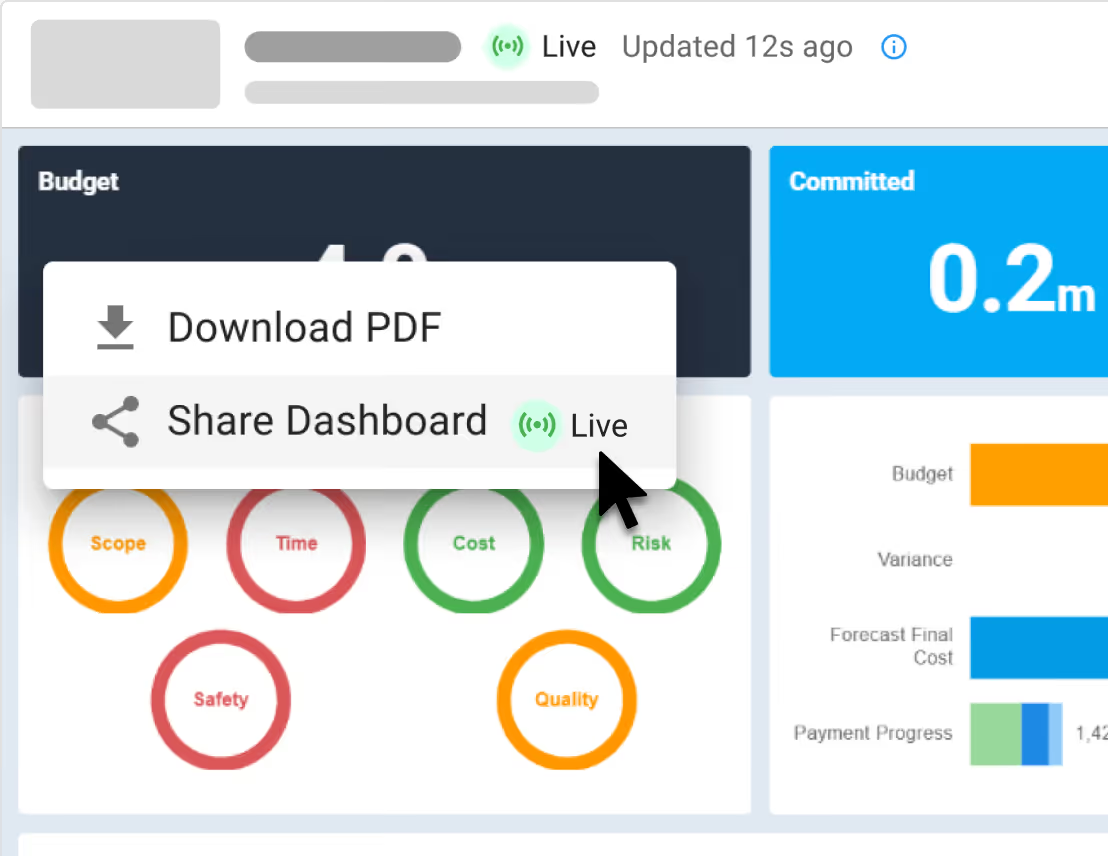
Reuse the format for each reporting cycle. Share a live dashboard or export a PDF for client updates and board meetings.
Explore Dashboards
.avif)

Review changes to project budgets, contracts, and risks, with audit entries showing the user, action, and time.
When a stakeholder questions an update, filter the audit log to find the relevant entry. Use the record to investigate the change with your team.
Explore Audit Trail Feature
See how construction project management professionals experience the rush of wielding true project power.
Read Case Studies

“Since moving to Mastt, we are able to report in real time so there's no delay in financial data being updated.”
Jacob Edwards, Funds Manager


Get the program overview and project detail your role demands, whether you lead a PMO, manage developments, or represent an owner.

Deliver your capital program with greater control over budgets, schedules, and risks, and a clear account of performance for leadership.
Learn more

Keep your development portfolio financially on track, with visibility into cost exposure, cash flow, and progress across every project.
Learn more

Build client confidence through consistent program oversight and reporting, while giving your team more time to focus on delivery.
Learn more
Protect your client’s interests across the program, with the information to challenge cost changes, monitor delivery, and support informed decisions.
Learn more

“Being able to look at how we’re spending within a portfolio, instead of just at individual projects, has been very beneficial.”
Lelia Goehring, Director of Facilities and Project Management
See Case Studies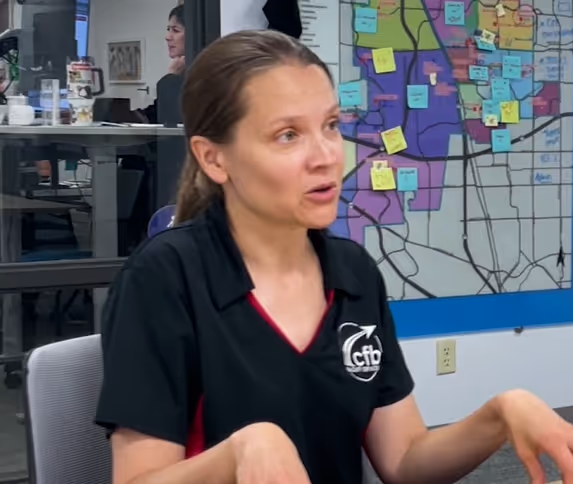

Keep budgets, schedules, risk registers, and documents organized within each project. Connected cost, schedule, and risk data feeds your program reports as teams update their records.

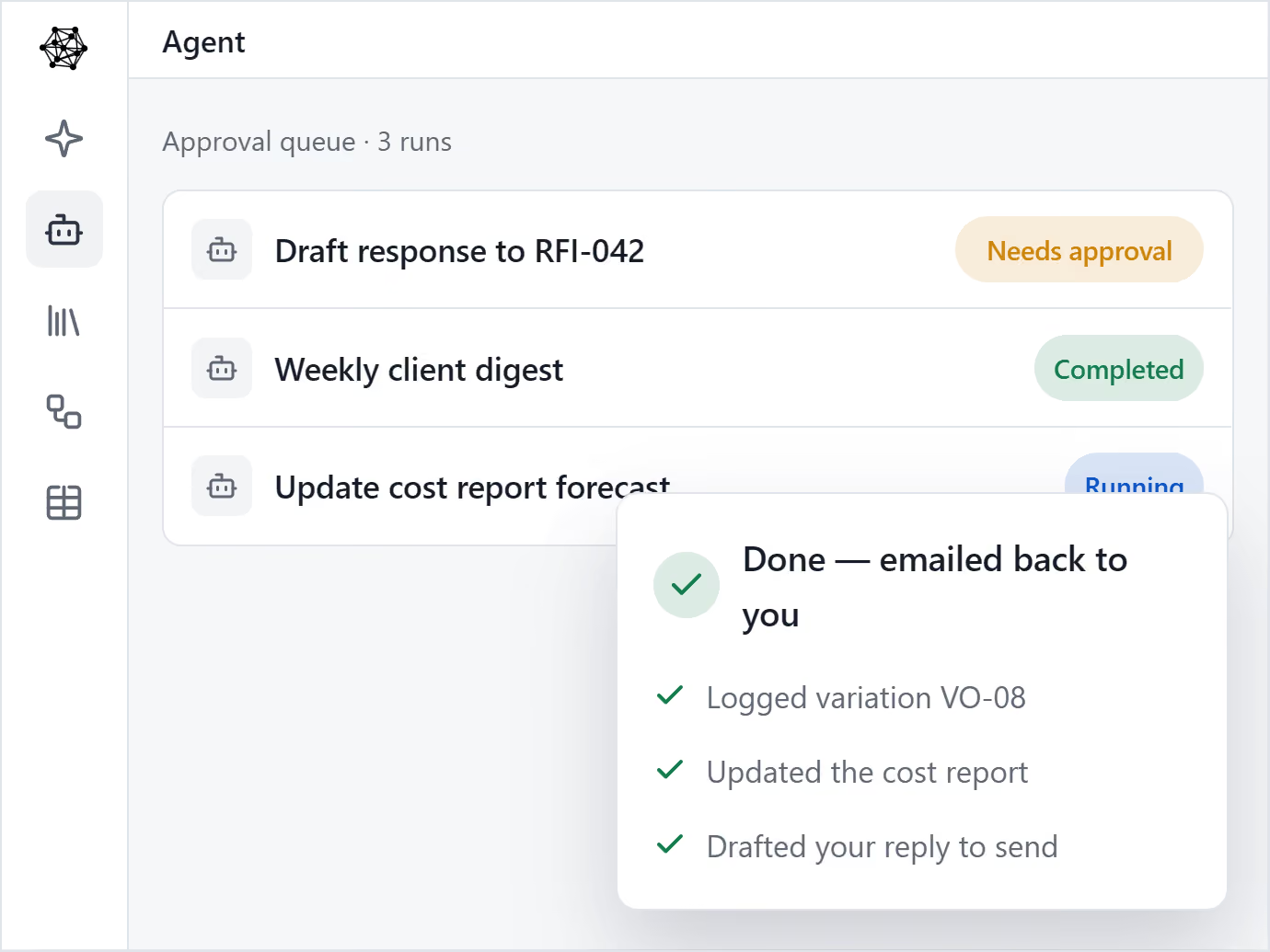
Multiply your people with AI Agents. Helps one person produce the output of many.

AI that knows your company’s templates, procedures and lessons learned.

Upload the templates you already use, and your AI Agent drafts on-brand, every time.

Set up a process once, and let Agent run it every time.

Mastt brings every project in your program into one clear, connected view.

Roll up cost, risk, schedule, and reporting from every project into one unified, real-time view.

Consistency across every project. Secure, centralized data, full audit trails, and real-time decision-making.

Mastt’s trusted AI eliminates the admin and manual standardization that slow your team down.
Keep track of projects with live, interactive reports 24/7
Fast & automated reports from project status to project portfolio reports
Capital project charts, maps, visualizations and other components out of the box!
Snapshot & store entire projects or reports for record keeping & compliance

Digital ledgers and smart forms for financial precision
Track costs back to budgets and see unders/overs
Centralize all contracts & payments back to budgets

Report on cash flow actuals, forecasts, and baselines
Manage the complete project lifecycle across your portfolio

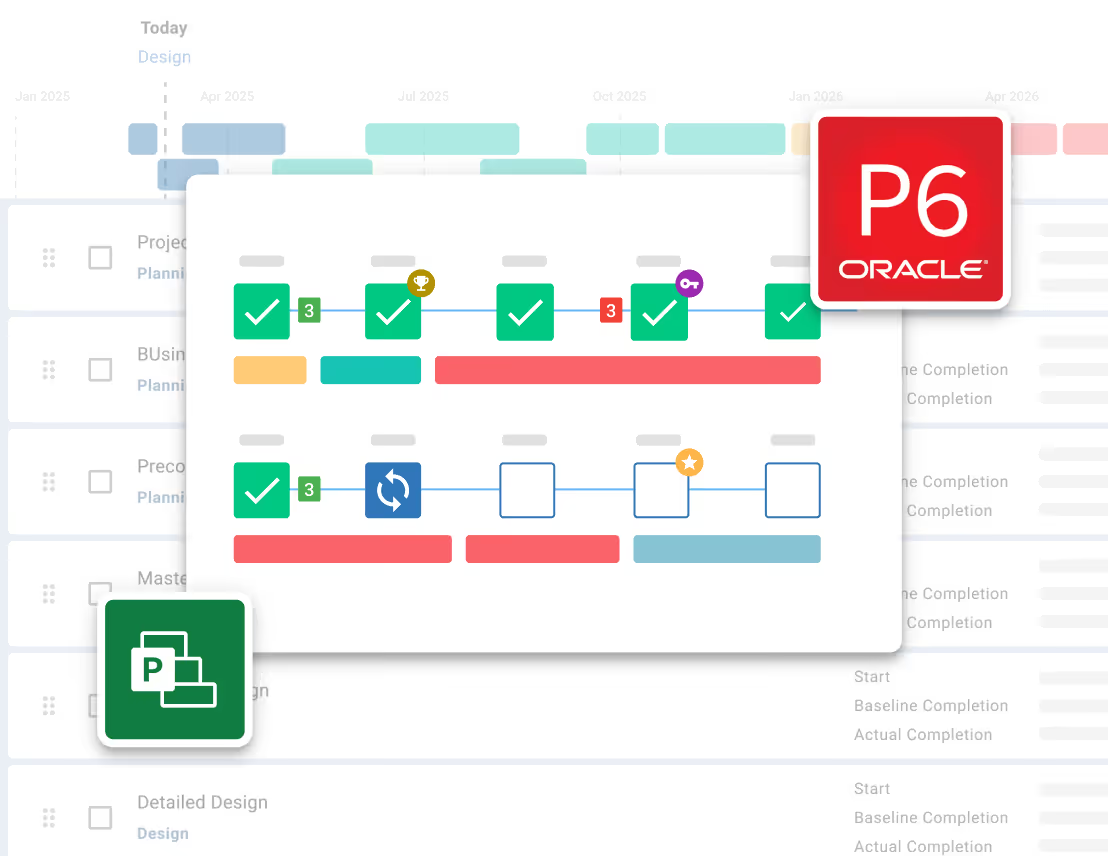
Tracks your project through key milestones

Manage projects through clear phases, stages and gates
Measure performance of a portfolio of projects
Risk Management process made simple and configured to your likelihood & impact ratings
Streamline Risk Analysis on your 5x5 or 4x4 Risk Matrix and identify Treatments

Visualize Risks for fast, easy reporting and workshopping. Generate a Risk Register
Maintain Risk Registers at a Project or Program / Portfolio level


Store every contract, report and project file in one secure place.
Structure every project with clear, consistent folders your whole team can navigate.

Ask questions in plain English and get answers from your documents instantly.
See every document tied back to its source in your project - contract, payments, changes and more.
.avif)
Use these templates and report examples to structure program plans, compare portfolio performance, and prepare cash flow or board updates.
Explore the features behind your program view, from project roll-ups and cash flow forecasts to milestone tracking and risk reporting.

Replace spreadsheet roll-ups with real-time dashboards connected to your program data.
Learn more
Automatically roll-up and aggregate projects into programs, portfolios, and more.
Learn more
Maintain a detailed log of all changes for compliance and record-keeping.
Learn more
Create clear risk reports on threats, impacts, treatments, and project risk trends in real time.
Learn more
Automate financial project controls in a single table for projects or programs.
Learn more
Andrew Benn, WSP Technical Director
"With Mastt, our client can see the status of the project anytime, reducing back and forth queries, and not having to wait until the end of the month to receive a monthly report."
Read Case Study
Rebecca White, RPS Program Manager
"Mastt has saved our team significant time and effort in managing the financials elements of 65+projects. The team now has total visibility over their individual projects as well as the overarching program of works."
Read Case Study
Erik Maasepp, Capital Insight Senior Project Manager
"Mastt takes away a lot of user error that spreadsheets bring. With Mastt, we are able to combine multiple projects into programs or portfolios for management level analysis and direction."
Read Case Study
CAPT. Dan Foley, Army Digital Transformation Manager
"Mastt is increasing the team’s tempo and productivity by enabling real time information across our portfolio of projects. This transparency is assisting us to make informed decisions, to identify opportunities and reduce the risk."
Read Case Study
Dan Atkins, Jacobs National Program Manager
"Mastt's ability to record critical financial information as well as program forecasted delivery and milestones put Jacobs in a favourable position to our clients."
Read Case Study.webp)
Mohammed Salameh, Compass' Associate Director
"Moving to Mastt is one of the best decisions my team has ever made. It’s cost-effective, easy to use, and a quick set up."
Read Case Study.webp)
Fergus Bruce, Project Manager at WSP
"A key factor in our decision to adopt Mastt is its user-friendliness. It had to continue to empower us to work smart, allowing us to consistently deliver excellence across multiple sectors and geographic regions."
Read Case Study

Less time preparing reports. Easier access to project financials. A clearer picture across multiple projects. Hear directly from the teams doing the work.

Mastt makes bad input much easier to catch, speeds up the data entry process, and gives us the tools to quickly interpret the status of our projects.

Project Manager
Mastt has completely transformed how we deliver projects. A key benefit is the ability for our clients to log in and see the live dashboard and see the status of the project financials, including any variations and payments that may be due.

Director
With Mastt, our client can login on the public and private networks and see the status of the project anytime, reducing back and forth queries, and most importantly not having to wait until the end of the month to receive a monthly report. It’s all accessed real-time in Mastt.

Technical Director
The data analysis and production of informative, easy-to-understand infographics are excellent for client communication and briefing and also allow for efficient and effective internal stakeholder meetings at various business management levels.

Associate Director
It's great to have the confidence that reports I generate are correct (no checking formulas).
Assistant Project Manager
Custom reporting solutions are a huge investment and not justifiable for most clients. We wanted something that had rules in place to ensure best-practice project management but still gave us the control to customise based on the clients’ and industry nuances. Mastt allowed us to do this.

Director
The platform is easy to use and interesting, and it has an appealing interface that clients like to look at and engage with.

Owner
Mastt assists with standardising and making data more transparent and easy to interpret.

Project Director
Mastt is a great solution to the issue of incomplete or redundant data used in project reporting. The fact that the data is in the cloud and able to be updated in real-time is a great benefit to me and my client's time.
Owner
Mastt has allowed us to continue to ‘wow’ our clients. At Compass, Mastt enables us to deliver present projects in an amazing way, rounding out the whole (Compass) experience.
Director
It has been a very positive experience with Mastt. The team has been very helpful. The information that is required for my reporting purposes is all able to be extracted, and the individual tabs and fields are easy to follow and understand.

Project Manager
Mastt is increasing the team's tempo and productivity by enabling real-time information across our portfolio of projects. This transparency helps us make informed decisions on capital expenditure, identify opportunities, and reduce risk.


Capital program management software connects cost, schedule, and risk information across multiple construction projects so owners and program managers can oversee delivery and report on performance. Individual project management focuses on each project's work; program management brings those projects together to assess the wider financial position, progress, and risks.
Mastt’s program cost forecasts bring together the expected final costs of linked projects. Each project’s Estimate at Completion (EAC) includes contract commitments and forecast or uncommitted costs, such as pending changes and allowances for remaining work. The program outlook depends on teams recording and maintaining those costs within the underlying projects.
Yes. Mastt combines cash-flow projections from linked projects into a program view, helping owners and finance teams assess expected expenditure across upcoming months. Teams maintain the timing of forecast expenditure within each project, so the program outlook depends on those projections being kept current.
Yes. Mastt supports custom program dashboards for board updates, client reporting, and delivery reviews. You can choose each report’s charts, tiles, tables, metrics, and layout, then save program layouts as reusable templates. Templates keep the reporting format consistent; teams remain responsible for the underlying project information.
Mastt’s program reports draw on the data recorded in linked projects. Teams maintain their project costs, schedules, and risks, and those records feed the program view without being re-entered into a separate report. When source information changes outside Mastt, teams still need to update the relevant records or import the revised files.
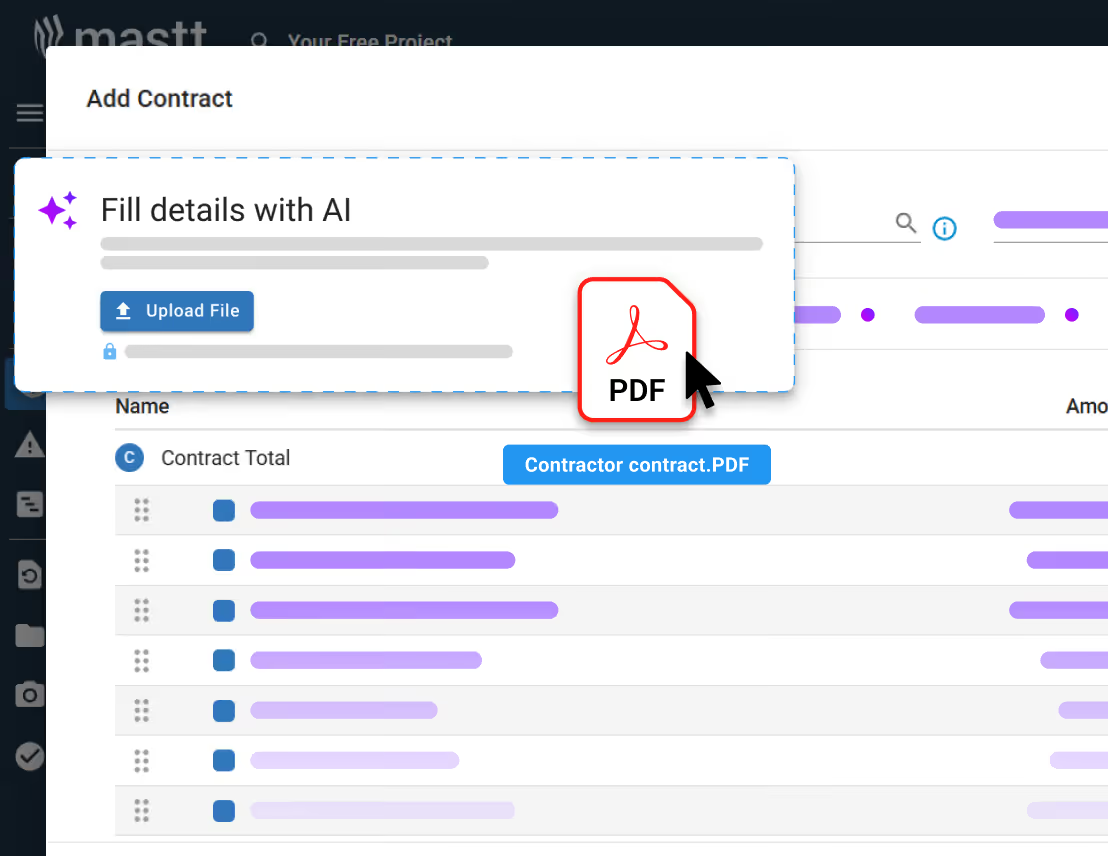
Yes. You can import supported project data into Mastt and group the projects into a program. Options include spreadsheet imports for supported records and Microsoft Project XML or Primavera P6 XER schedule imports. Existing Mastt projects can be added directly. Preparation depends on the records and formats your team currently uses.
Become superhuman with AI today. Free to start, simple to scale.

Your first project is on us — no credit card required. Get started instantly with core tools.
.svg)
Flexible month-to-month plan. Add projects as you grow and access free videos, training, and guides.
per month

Full enterprise features, advanced security, and dedicated human rollout support.

Agentic AI that gives humans an AI Agent counterpart to accelerate work, increase quality, and boost output.
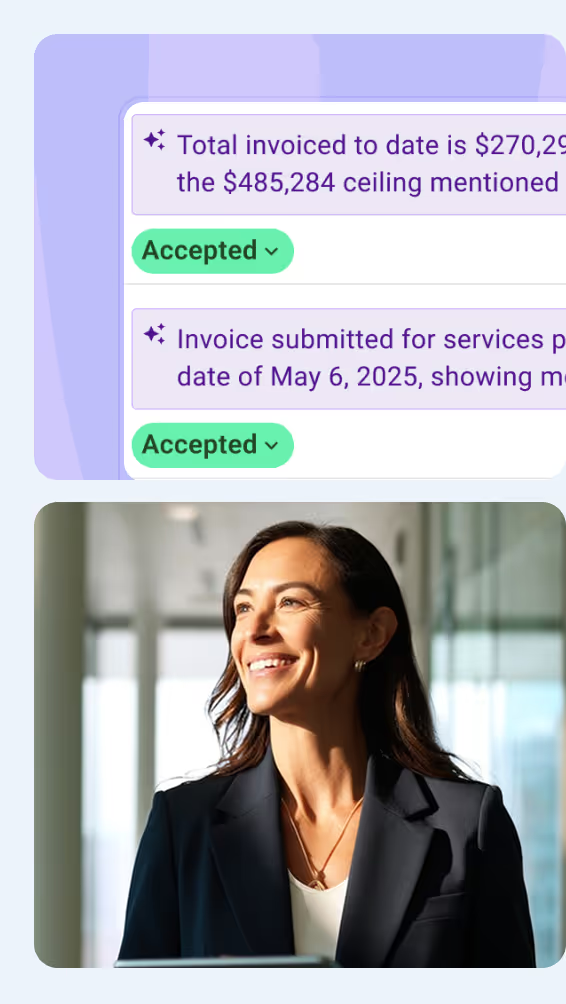

At Mastt, we’re building the world’s first Agentic AI for construction project teams
Used by project leaders building the future around the globe


.svg)
.svg)
.svg)
.svg)
.svg)