

Replace spreadsheet roll-ups with real-time dashboards connected to your program data.
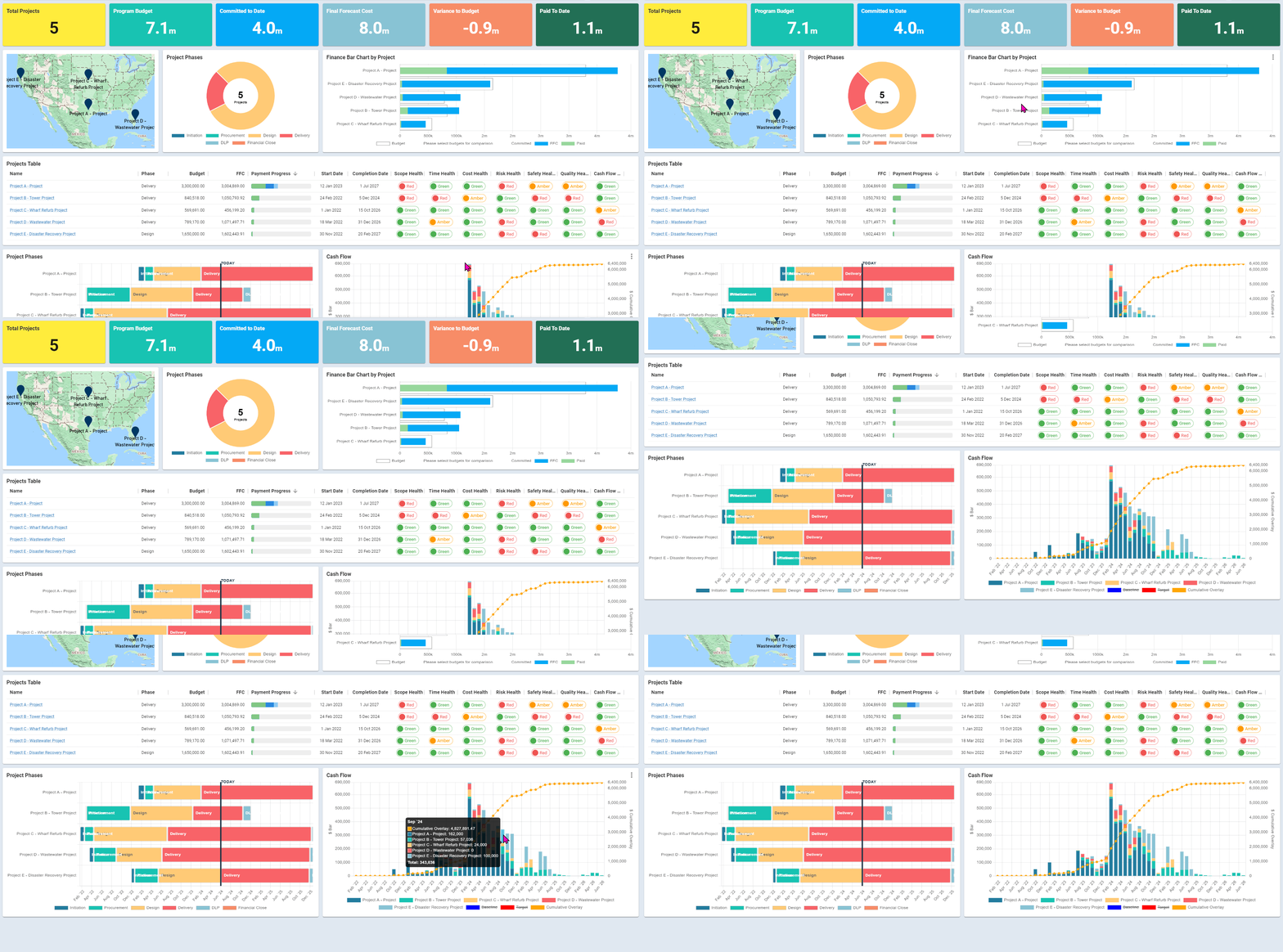
Turn multiple projects into one structured, executive-ready view. Mastt’s Program Dashboards combine project data automatically so you can track performance without manual consolidation.
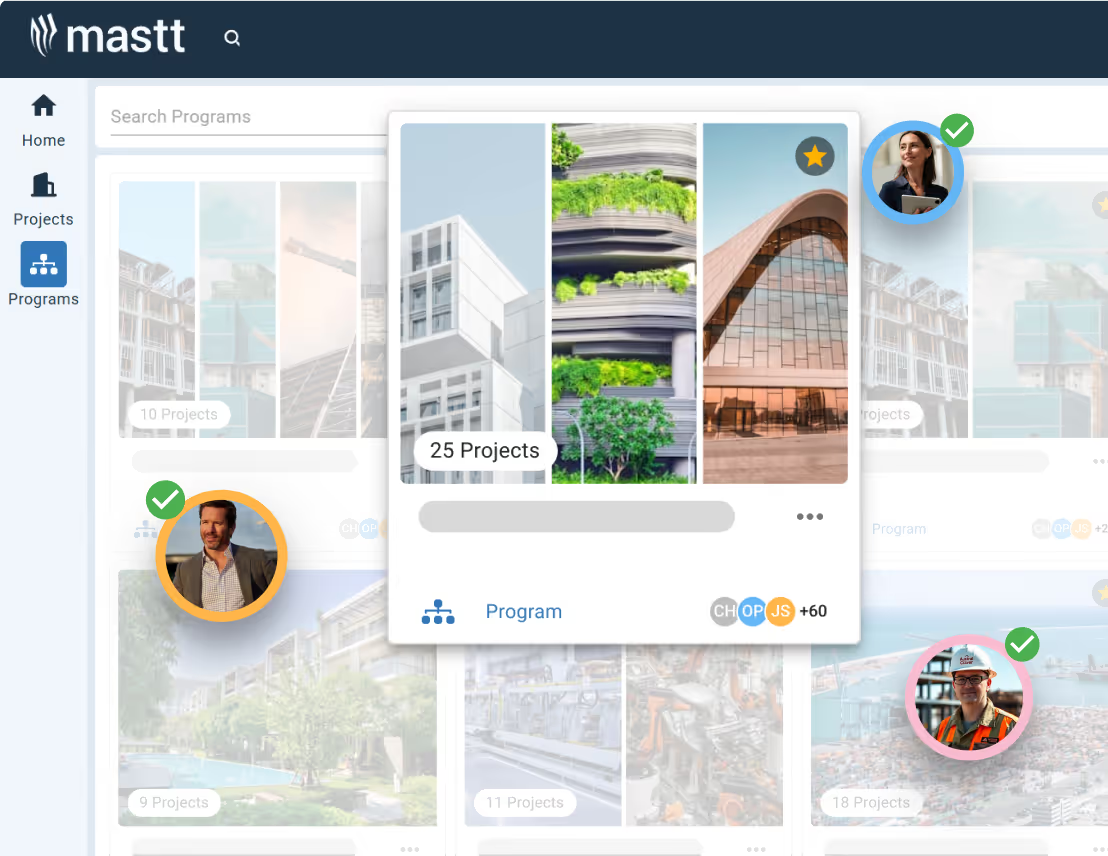
Set up your Program Dashboard with tools that match how you work. Start with AI-assisted creation, choose a template, or design your layout from scratch to display the metrics you care about.
✨ Start a dashboard directly within your program.
🤖 Use AI-assisted setup or select a pre-built template.
🧩 Add and arrange tiles to shape your reporting view.
Program Dashboards pull cost, risk, and schedule details from all linked projects. Data updates as the project changes, so you have consolidated metrics ready at any time.
💰 View consolidated cost data across the program.
📅 Monitor schedule performance at the portfolio level.
⚠️ Surface program-wide risks in one place.
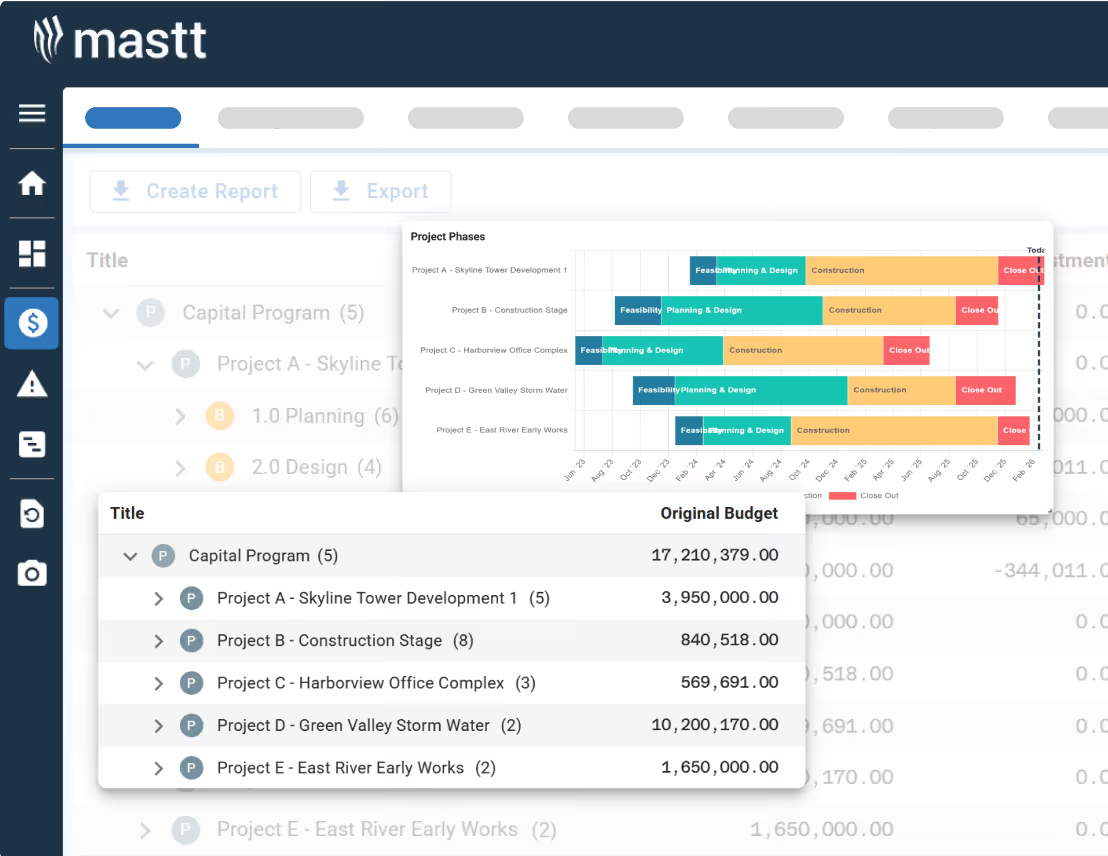
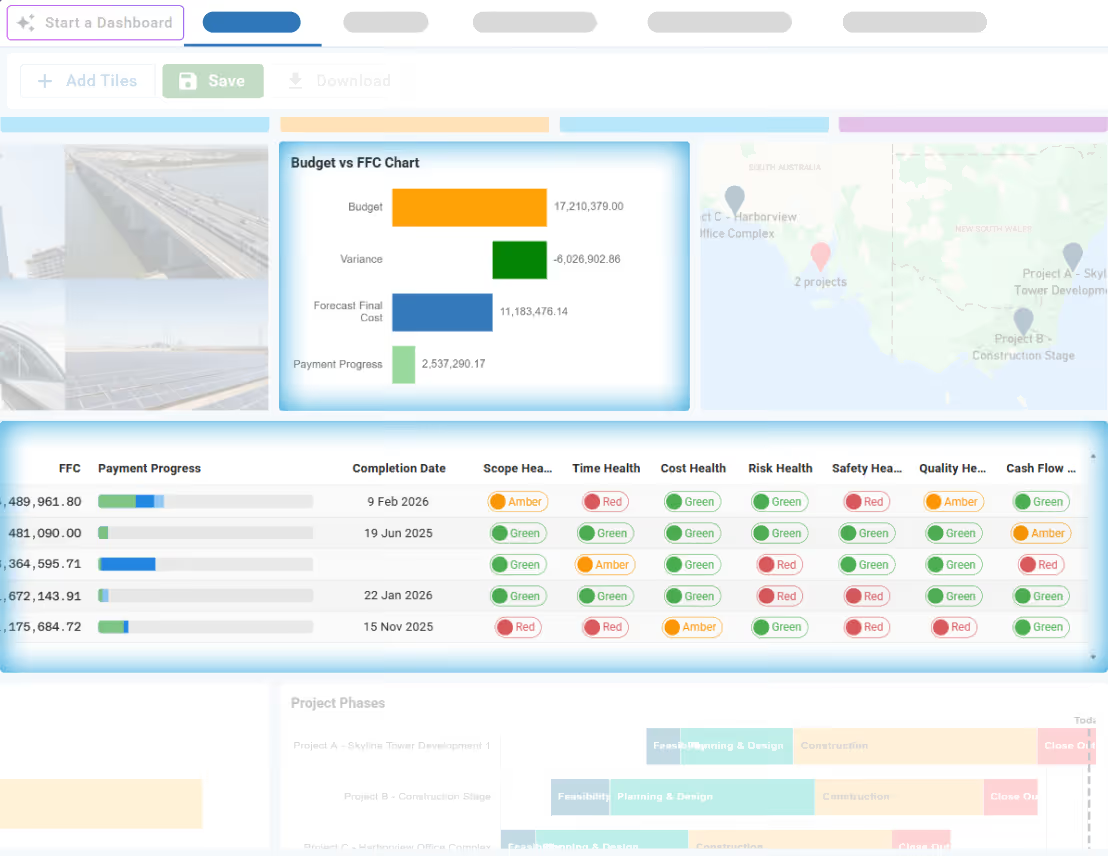
Display the information that matters for your reviews and stakeholder updates. Arrange tiles, adjust settings, and save your layout for consistent reporting every period.
🎛️ Resize and reposition tiles to match reporting needs.
📊 Display structured visuals aligned to executive reviews.
📄 Export or present your dashboard for meetings.
Become superhuman with AI today. Free to start, simple to scale.

Your first project is on us — no credit card required. Get started instantly with core tools.
.svg)
Flexible month-to-month plan. Add projects as you grow and access free videos, training, and guides.
per month

Full enterprise features, advanced security, and dedicated human rollout support.

Agentic AI that gives humans an AI Agent counterpart to accelerate work, increase quality, and boost output.

Automatically roll-up and aggregate projects into programs, portfolios, and more.
Learn more
Replace spreadsheet roll-ups with real-time dashboards connected to your program data.
Learn more
Andrew Benn, WSP Technical Director
"With Mastt, our client can see the status of the project anytime, reducing back and forth queries, and not having to wait until the end of the month to receive a monthly report."
Read Case Study
Rebecca White, RPS Program Manager
"Mastt has saved our team significant time and effort in managing the financials elements of 65+projects. The team now has total visibility over their individual projects as well as the overarching program of works."
Read Case Study
Erik Maasepp, Capital Insight Senior Project Manager
"Mastt takes away a lot of user error that spreadsheets bring. With Mastt, we are able to combine multiple projects into programs or portfolios for management level analysis and direction."
Read Case Study
CAPT. Dan Foley, Army Digital Transformation Manager
"Mastt is increasing the team’s tempo and productivity by enabling real time information across our portfolio of projects. This transparency is assisting us to make informed decisions, to identify opportunities and reduce the risk."
Read Case Study
Dan Atkins, Jacobs National Program Manager
"Mastt's ability to record critical financial information as well as program forecasted delivery and milestones put Jacobs in a favourable position to our clients."
Read Case Study.webp)
Mohammed Salameh, Compass' Associate Director
"Moving to Mastt is one of the best decisions my team has ever made. It’s cost-effective, easy to use, and a quick set up."
Read Case Study.webp)
Fergus Bruce, Project Manager at WSP
"A key factor in our decision to adopt Mastt is its user-friendliness. It had to continue to empower us to work smart, allowing us to consistently deliver excellence across multiple sectors and geographic regions."
Read Case Study

