

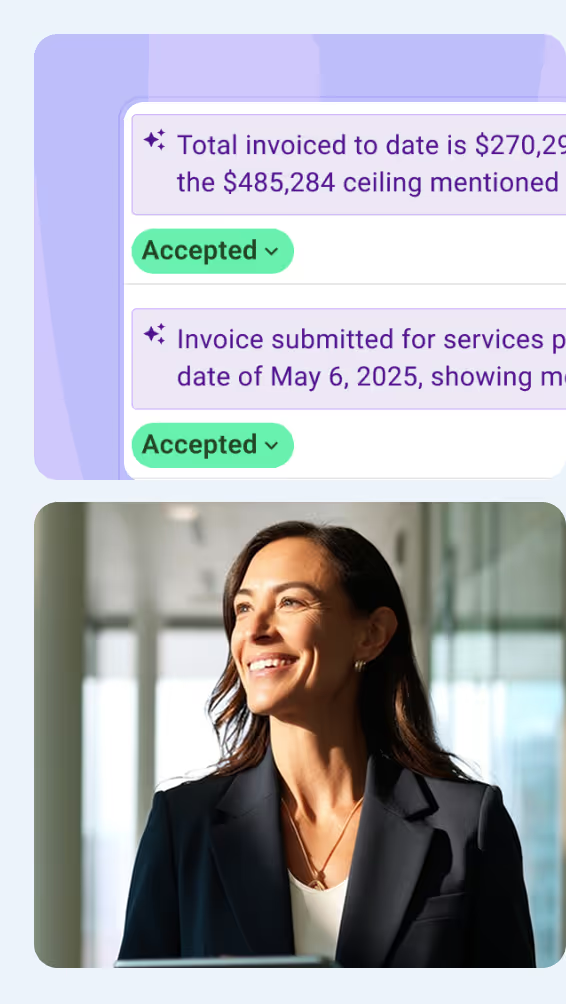



An AI agent is software that uses artificial intelligence to choose and carry out the steps needed to complete a task. For construction project teams, that can mean gathering project records, checking them against each other, and preparing documents for review. This guide explains how AI agents work, how they differ from chatbots, and what one looks like on a project.
What Is an AI Agent?
An AI agent uses artificial intelligence to decide which actions to take toward an assigned goal. You provide the task and its boundaries, and the agent works through the steps using available information and tools. Google Cloud’s definition similarly emphasizes pursuing goals and completing tasks on a user’s behalf.
An AI agent can use these capabilities to complete a task:
- Choose its next action: Decide which information to find or which tool to use.
- Respond to findings: Adjust its approach when a search reveals missing or conflicting information.
- Ask for clarification: Return a question when it cannot resolve an important detail.
- Stop for review: Deliver the result or pause before an action that needs approval.
For example, a project manager could ask an agent to prepare a meeting brief from approved records. If two documents show different deadlines, it could search for a confirmed decision. If none is found, it could flag the conflict in the draft for the manager to resolve.
What Does an AI Agent Do?
AI agents can research information, prepare documents, and carry out tasks across connected applications. Common agentic AI use cases in construction include comparing suppliers, preparing meeting minutes, and following up on overdue actions.
Agentic AI can support the following tasks across different business functions:
- Research and analysis: Compare information from multiple sources and produce findings that answer a specific question. An agent researching suppliers could check which options meet the required specifications and delivery dates.
- Software development: Investigate a bug, make changes to the code, and run tests. If a test fails, the agent can use the error details to work on a correction.
- Customer support: Retrieve account details, check transaction or delivery records, and handle requests within company policies. Cases outside its authority can pass to a support representative with the relevant information attached.
- Scheduling and coordination: Find a suitable time across calendars, account for availability and time zones, and arrange the meeting when authorized.
- Project administration: Turn correspondence and project records into usable documents or updates. For example, an agent could prepare meeting minutes with action owners and due dates, then flag details that need confirmation.
- Monitoring and follow-up: Check incoming updates for issues that need attention. An agent could identify a missed supplier commitment, retrieve the related correspondence, and draft a follow-up for review.
For project-specific applications and guidance on getting started, see our guide to AI agents in construction.

AI Model vs Chatbot vs AI Agent: What's the Difference?
An AI model processes information, a chatbot supports conversation, and an AI agent chooses actions toward a goal. These roles can exist within the same application. For example, someone could use a chatbot to give an assignment to an agent powered by a large language model.
These three can work together. A project manager could request a meeting brief through a chatbot. The agent uses an AI model to understand the request and decide which records to check, then uses connected tools to gather the information and prepare the brief for review.
What Are the Main Components of an AI Agent?
Modern AI agents commonly combine an AI model with tools, instructions, memory, and guardrails. These components help the system interpret a task, carry out actions, and stay within its operating limits.
Connecting these parts requires software that manages the process. When the model requests a tool, that software checks the request, runs the permitted action, and returns the result so the agent can continue.
What Are the Main Types of AI Agents?
A common classification describes five types of AI agents based on how they use information and choose actions. These categories come from broader AI research and include simple rule-based systems alongside agents that plan or learn from experience.
- Simple reflex agents respond to the current input using fixed rules. A thermostat switching on the heating below a set temperature illustrates this approach.
- Model-based reflex agents track their surroundings using current observations and stored information. A robot vacuum might remember obstacles and areas it has already cleaned.
- Goal-based agents plan actions to reach a specified outcome. A navigation system finding a route to a destination is one example.
- Utility-based agents compare options against defined preferences. A route planner could weigh travel time, fuel use, and toll costs to select a suitable route.
- Learning agents use experience or feedback to improve how they perform. They include a learning mechanism and can also use goal-based or utility-based approaches.
IBM’s explanation of AI agent types covers this classification. These categories describe how a system makes decisions, while labels such as “coding agent” or “customer service agent” describe the work it performs.

What Is an Example of an AI Agent at Work?
An AI agent could handle an incoming request for information (RFI) and prepare a response for review. For example, Mastt Agent can log the request, update the register, and draft a reply using company templates.
For example, a project manager could forward an RFI with this instruction:
“Log this RFI, update the register, and prepare a response using our template. Flag anything that needs clarification and return the draft for review.”
With access to the relevant project records, the agent could work through the assignment as follows:
- Record the RFI. Capture its reference number, sender, question, and requested response date in the register. Flag missing details instead of filling them with assumptions.
- Check the supporting information. Review the request and relevant project documents. If the question refers to a missing attachment or conflicting drawing revisions, identify what needs clarification.
- Draft a response. Use the company template and distinguish information supported by project records from questions requiring technical input. Leave unresolved decisions for the responsible reviewer.
- File the supporting records. Store the incoming attachment with the project documents and include source references in the draft. This lets the reviewer check the evidence behind the proposed response.
- Present the work for approval. Return the draft with outstanding questions clearly marked. The project manager can then confirm the response or refer technical questions to the appropriate designer before sending.
Mastt Agent also records its actions, including which information it read, which records it updated, and what it produced. The manager can use that history to check how the agent completed the assignment.

Understanding What an AI Agent Can Do for Your Work
A useful way to assess an AI agent is to follow one assignment from request to result. Check which information it uses, how it handles missing details, and where it returns decisions to a person. For project managers, this could mean less time gathering records and preparing drafts, with more attention available for review and decisions.

Written by
Tom Jowitt
Before Mastt, Tom Jowitt headed engineering at Expert 360 and built software for government clients and the European Space Agency at Ricardo-AEA. At Checkbox, he owned security and compliance across ISO 27001 and SOC 2 processes. As Mastt's Head of Engineering, he contributes articles on AI agents and software for construction project teams.


Contributions by
Doug Vincent
Doug Vincent is the co-founder and CEO of Mastt, the AI capital-project management platform used by governments, Fortune 500 companies, and consultancies across APAC, North America, and MENA. Before founding Mastt in 2019, he spent a decade at RPS delivering more than $2 billion in capital works, including the $2.1B Defence Navy Infrastructure program, and holds a CPSPM certification with the AIPM. He contributes content and speaks on AI in capital project delivery at Mastt.
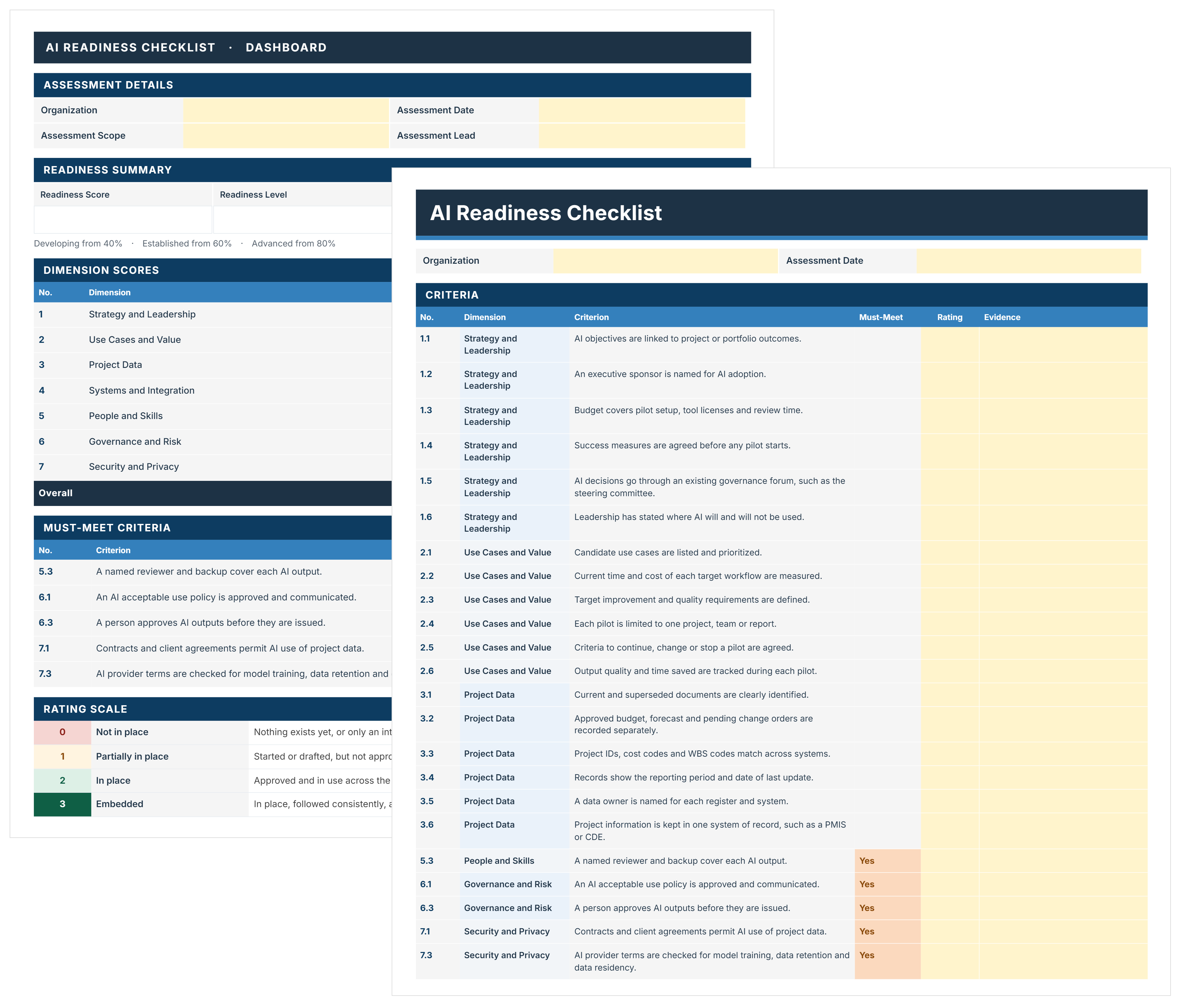
AI Readiness Checklist Template
FREE AI readiness checklist to assess and decide where AI starts on your projects. Score 44 criteria, close must-meet gaps, and pick a pilot with evidence.

Walk Into Every Meeting With Confidence, Clarity, and Control
No one wants to look unprepared, blindsided, or uncertain in front of stakeholders — but that’s exactly what happens without Mastt.
Start for FreeTrusted by the bold, the brave, and the brilliant across governments, Fortune 500s, and the world’s best in delivering the future